The printer is chirping at you again. It is the night before a school project is due, or the morning a form has to go out, and the display says a cartridge is empty.
The branded replacement is not cheap, and a third-party set looks tempting. One question decides whether that gamble pays off: will the printer accept it? You have probably been here before, standing at the printer with the old cartridge in your hand.
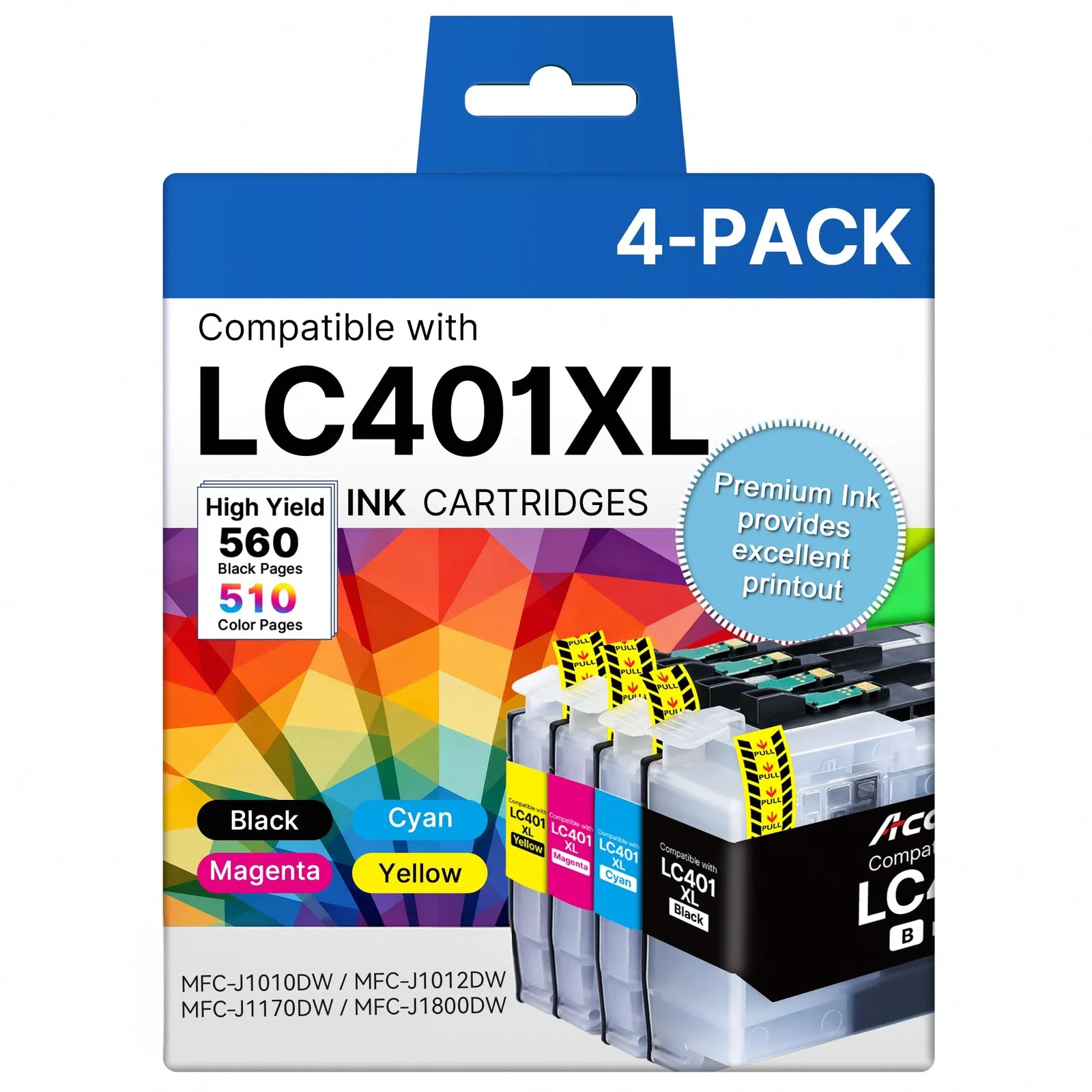
These four Acaves sets answer that for four different machines. The LC401XL four-pack is for Brother's MFC-J1010DW family.
Fit is the whole game, so the first job is matching your exact model number against each list. A set that works in a neighboring model does nothing for yours, and the Canon pages in particular name dozens of models that look alike. Read the list slowly.
Here is how they differ.
The Brother set has the most mixed buyer reports, with two one-star reviews about the printer refusing the cartridges. The Canon sets collect mostly praise, and the main gripe is a little ink leaking when the stopper comes off. The Epson bottles have ratings but no written reviews to quote, so their evidence is the thinnest.
None of the four is a bad idea on paper. Two are easy to recommend, and two come with conditions you should know before you click.
01
Acaves · Brother LC401XL compatible ink 4 pack
The Brother set that lives or dies on recognition
Acaves LC401XL 4-Pack for BrotherRecommended, with caveats4.5 (978 ratings)$15.29Power Up on Amazon↗
Acaves LC401XL 4-Pack for Brother: product photo
Datasheet · from the Acaves page
Specifications from the product page
Page yield
2100
Works with
lc401xl ink cartridges for brother printer MFC-J1010DW MFC-J1012DW MFC-J1170DW MFC-J1800DW
This is the box for owners of Brother's MFC-J1010DW line. It holds one black, one cyan, one magenta and one yellow LC401XL cartridge. Acaves lists the MFC-J1010DW, MFC-J1012DW, MFC-J1170DW and MFC-J1800DW as fits.
Acaves rates the black cartridge at up to 560 pages and each color at up to 510 pages, at 5 percent coverage. The product page also promises up to three times the prints of a standard cartridge. Those are the brand's figures, and your own page count will follow what you print.
Acaves says the cartridges carry a chip that tracks ink levels, and it adds a note for first installs. If a Brother printer shows a Non-Brother Ink message, Acaves calls that normal and says to press OK or Next. If the printer says it cannot detect the ink, Acaves says to remove and reinstall the cartridge, close the door and restart the printer, repeating the steps two or three times.
That second note matters, because recognition is where this set collects its bad reviews. One buyer with an MFC-J1170DW, a model on the fit list, says the printer would not recognize the cartridges even after several reseats. That buyer had bought two boxes and says they will only buy Brother cartridges from now on.
printer could not recognize the cartridge
Buyer review of the Acaves LC401XL 4-Pack for Brother, the United States, July 1, 2026
A second one-star review says the printer could not recognize the cartridge at all and tells readers not to waste their money. Those two reviews are why this set is a conditional pick.
They are the minority, though. About 80 percent of ratings are five stars and about 6 percent are one star.
A five-star buyer writing in August describes easy installation and cartridges that were well packaged, and says the Brother printer accepted them after a few weeks of use. That review does not name the model, and it uses a lot of capital letters, which we will treat as enthusiasm.
Who it suits: an owner of one of the four listed Brothers who can live with reseating a cartridge a few times. Who should skip it: anyone who cannot afford a dead set the week a printout is due. Acaves lists a two-year warranty and says its support line answers daily, holidays included.
What buyers wrote about the Acaves LC401XL 4-Pack for Brother
1 out of 5Didn’t work Porter did not recognize the cartridge .
It didn’t work printer could not recognize the cartridge . Don’t waste your time and money on this
02
Acaves · Canon 280XXL/281XXL compatible ink
Six Canon cartridges, one leaky stopper
Acaves 280XXL/281XXL 6-Pack for CanonWe recommend4.5 (583 ratings)$17.99Power Up on Amazon↗
Acaves 280XXL/281XXL 6-Pack for Canon: product photo
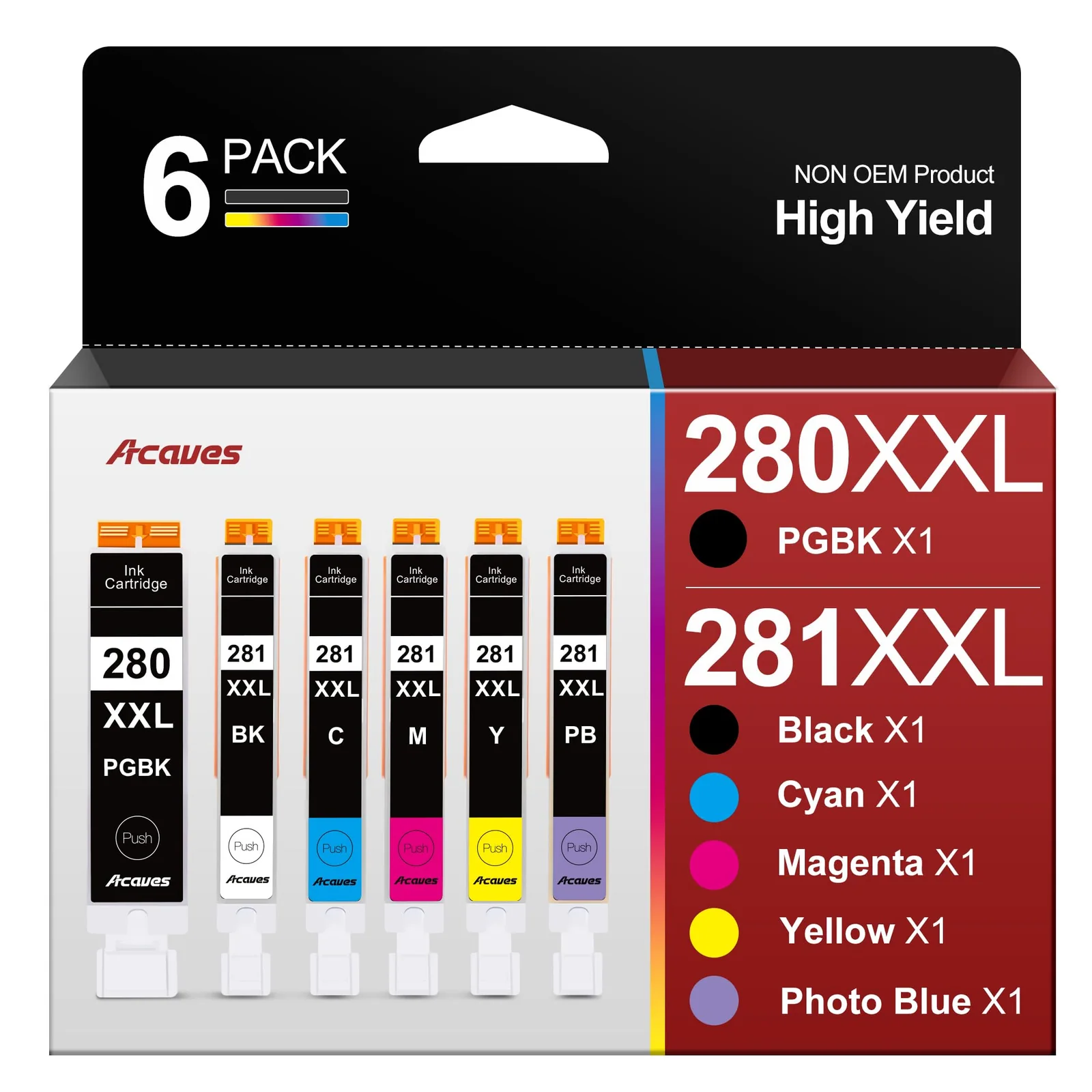
The six-pack is for Canon's PIXMA TR and TS lines. The product page names the TR7520, TR7500, TR7620, TR8520, TR8500, TR8620 and TR8622, plus a long run of TS models including the TS6120, TS8220 and TS9120. Find your exact model on that list before you order.
In the box are a large black 280XXL, a large blue 280XXL, a standard black 281XXL, and cyan, magenta and yellow 281XXL cartridges. A user guide comes with them.
Acaves puts the large black at 600 pages and each color cartridge at 830 pages, at 5 percent coverage on A4 paper. It also says the cartridges carry its latest chip version for full compatibility, and that the plastic is recycled. All of that is the brand speaking.
Buyers back up the recognition claim. One reviewer says the Canon printer recognized the cartridges right away as genuine Canon ink, and another says the printer recognizes them as Canon ink. Both describe easy installs and good print quality.
when you open the ink tanks up and remove the plastic stopper, sometimes ink leaks out
Buyer review of the Acaves 280XXL/281XXL 6-Pack for Canon, the United States, April 29, 2023
One reviewer, who once worked in desktop publishing, says a trained eye can see some difference from the branded ink. Even so, the results were on par with the branded ink, with no smudging and good color on photo prints.
The complaint is mechanical. A four-star reviewer says that when you open the ink tanks and remove the plastic stopper, ink sometimes leaks out, and it happened twice in one package. Open them over something you can wipe.
Skip this set if your printer is not on the list.
Critical buyer reviews are few, so the 8 percent of one-star ratings stay unexplained, and the written reviews are all from 2023. They say little about recent batches. The rest of the spread is steady, with about 79 percent of ratings at five stars.
Acaves Ink Cartridges · 0:24 · Video from the Acaves product page
What buyers wrote about the Acaves 280XXL/281XXL 6-Pack for Canon
4 out of 5Works Perfectly in Canon Printer
My Canon printer recognizes these as Canon ink so they perform perfectly. Print quality is very good. I gave 4 stars rather than 5 because when you open the ink tanks up and remove the plastic stopper, sometimes ink leaks out. It has happened twice in one package. Other than that they are a great value.
5 out of 5Works well with my printer.
I was pleasantly surprised that my Canon printer recognized these ink cartridges right away as genuine Canon ink. They were easy to install and the ink quality looks great. I will buy again and again.
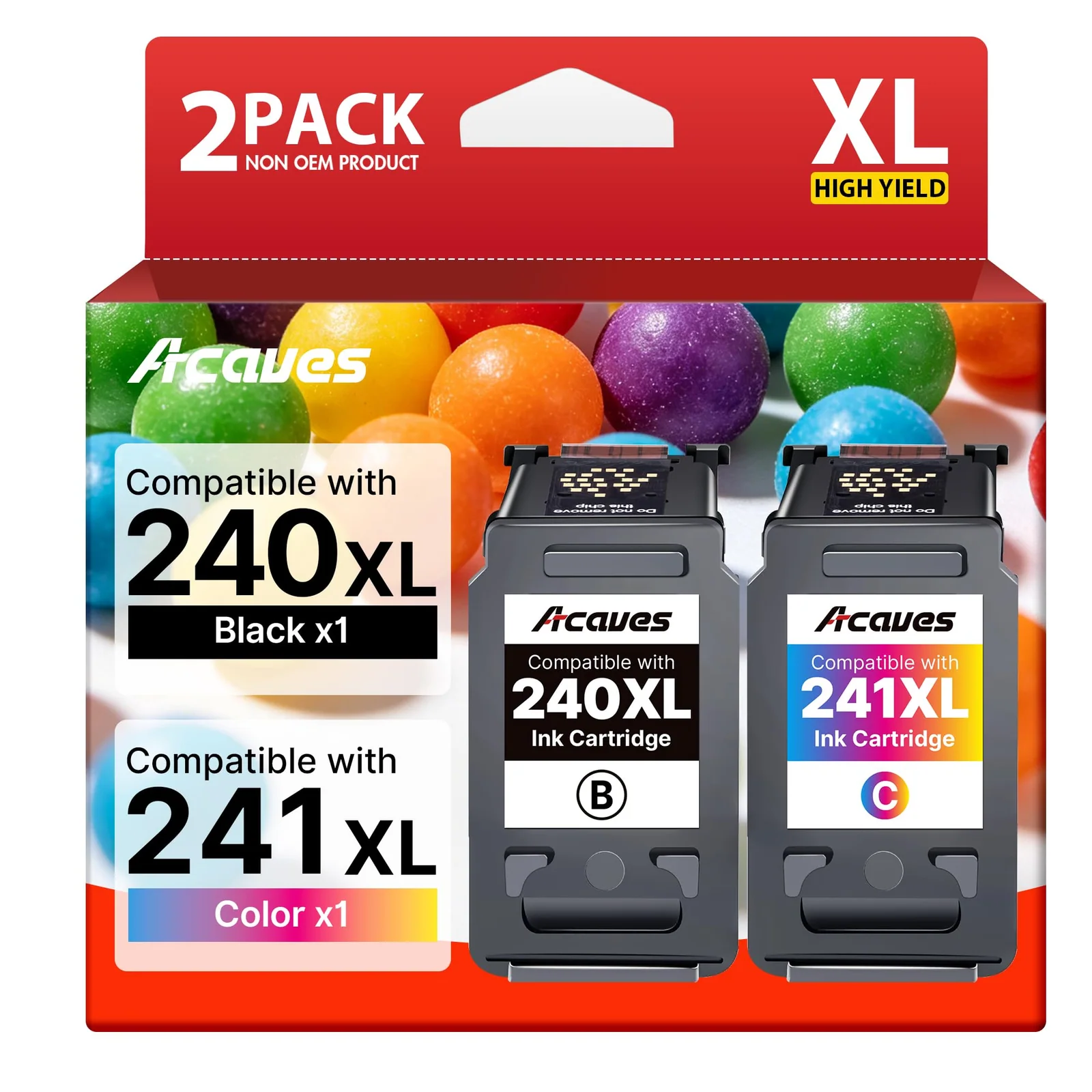
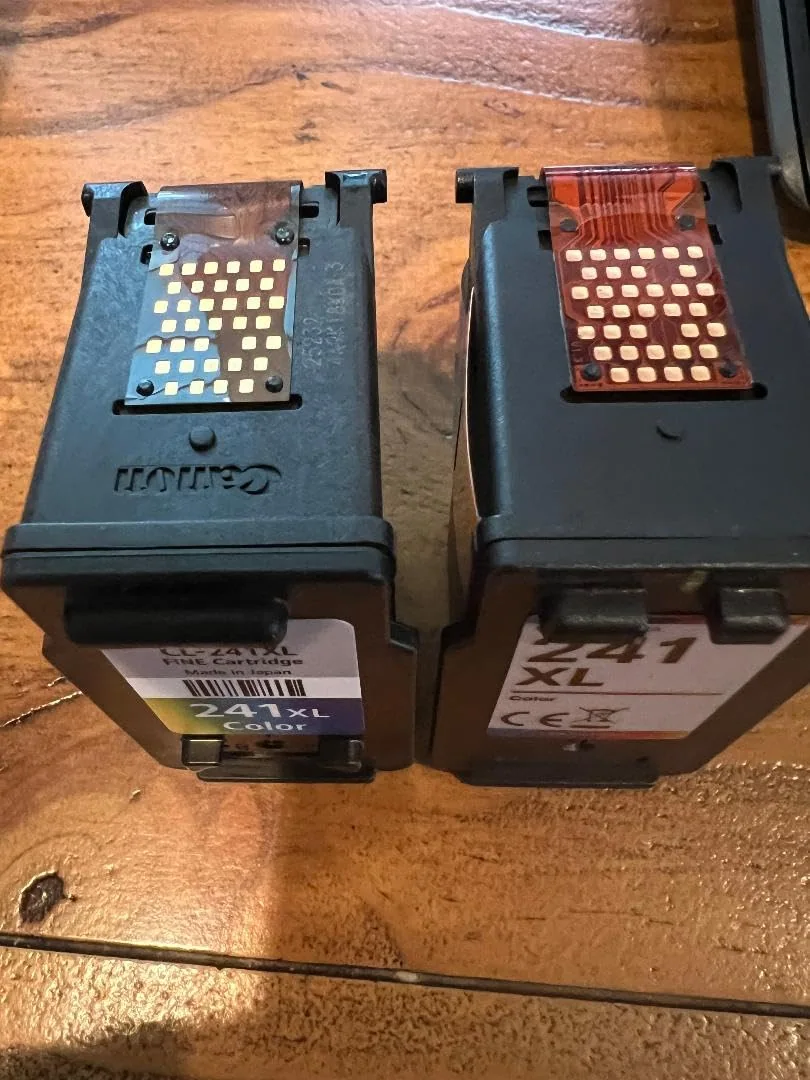
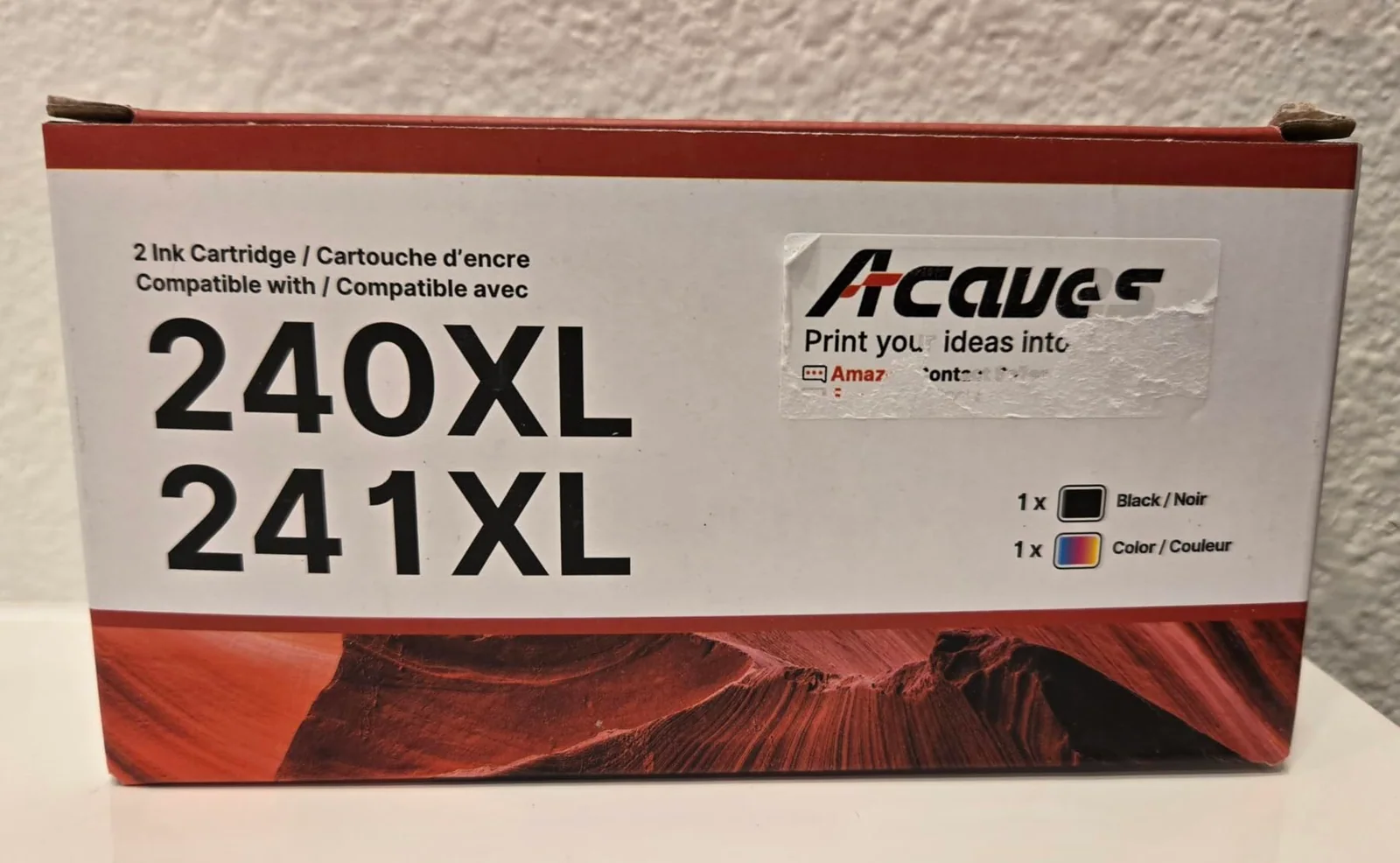
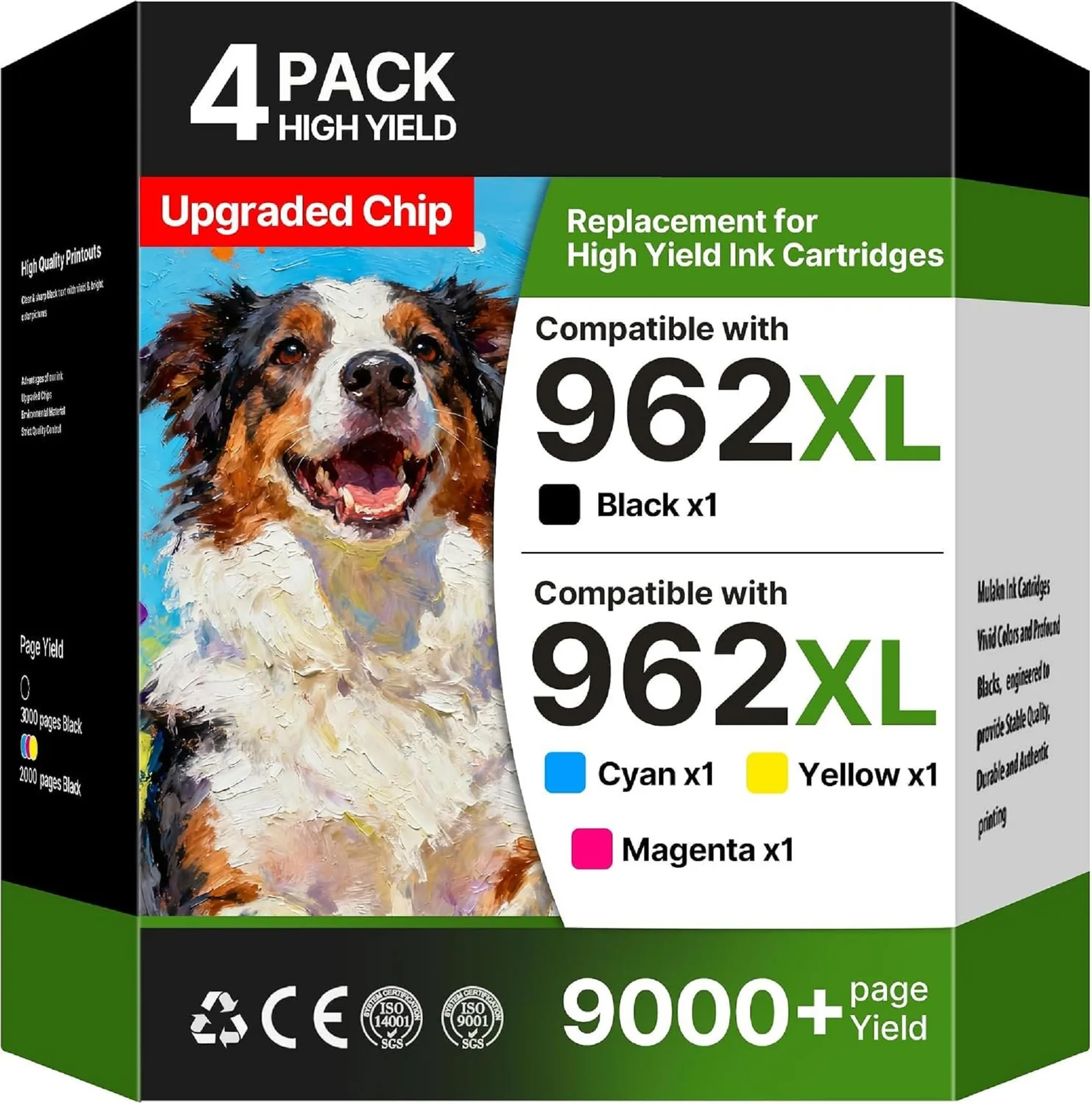
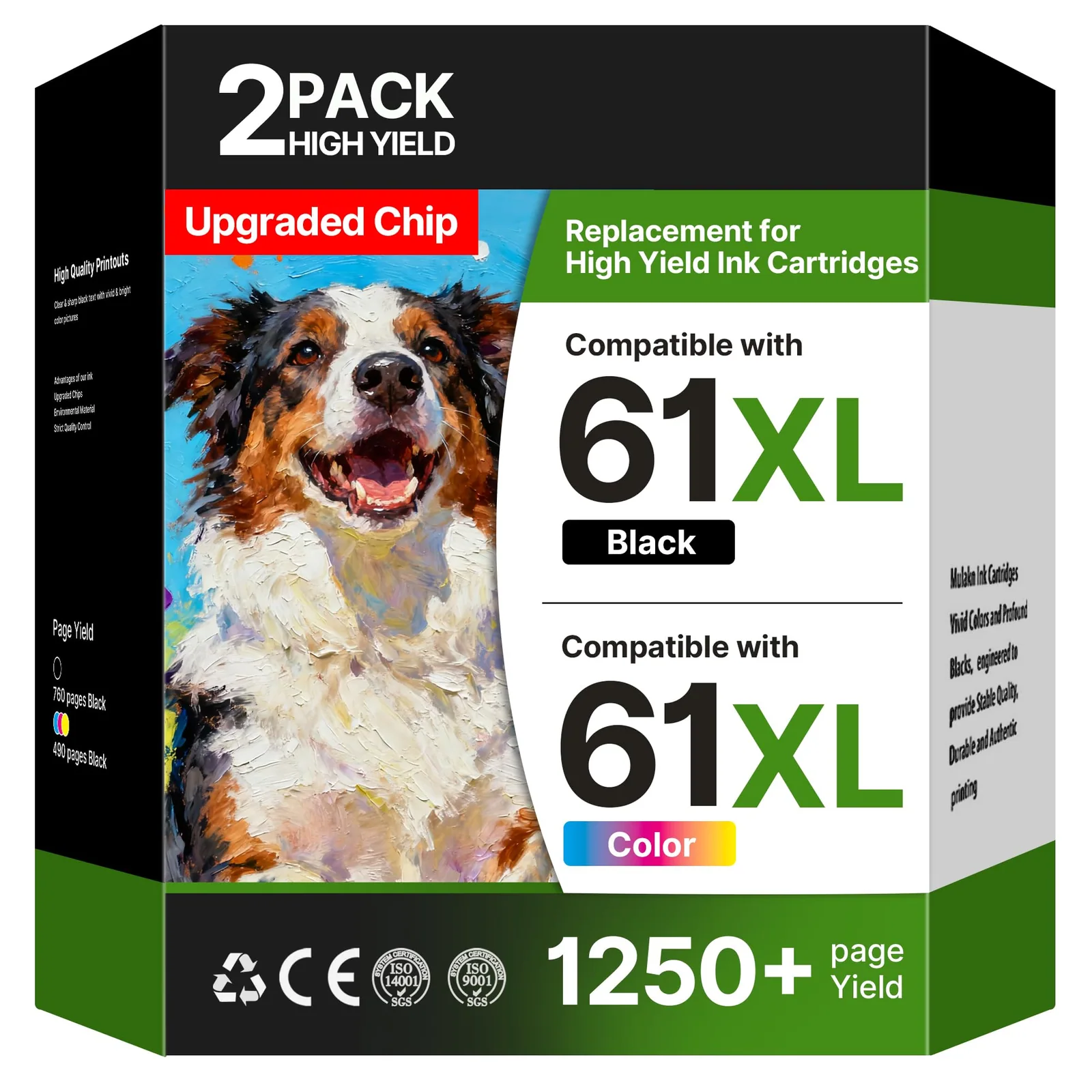
This is the smaller Canon option: one 240XL black and one 241XL tri-color, plus a user guide. It fits the older MG and MX families and the TS5120. The product page lists the MG3620, MG3520, MG2120, MX472, MX452, MX512 and MX532, among others.
Acaves rates the black at 610 pages and the color at 550 pages, at 5 percent coverage. It calls the chips upgraded and says each cartridge is inspected at every stage of production. Treat those as the brand's claims.
The color is a single tri-color cartridge, not three separate ones.
Owners of listed printers are happy. An MX472 owner says the printer recognized both cartridges immediately and the test page came out well. An MG3620 owner reports no error messages and says the cartridges worked as expected out of the package.
The most useful review is a four-star one from an MG3522 owner. The color cartridge threw an incompatible error the first time, and taking it out and putting it back in made the error go away for good.
I just took it out and put it back in, and I’ve never seen that error message since.
Buyer review of the Acaves 240XL/241XL Canon Combo Pack, the United States, October 11, 2026
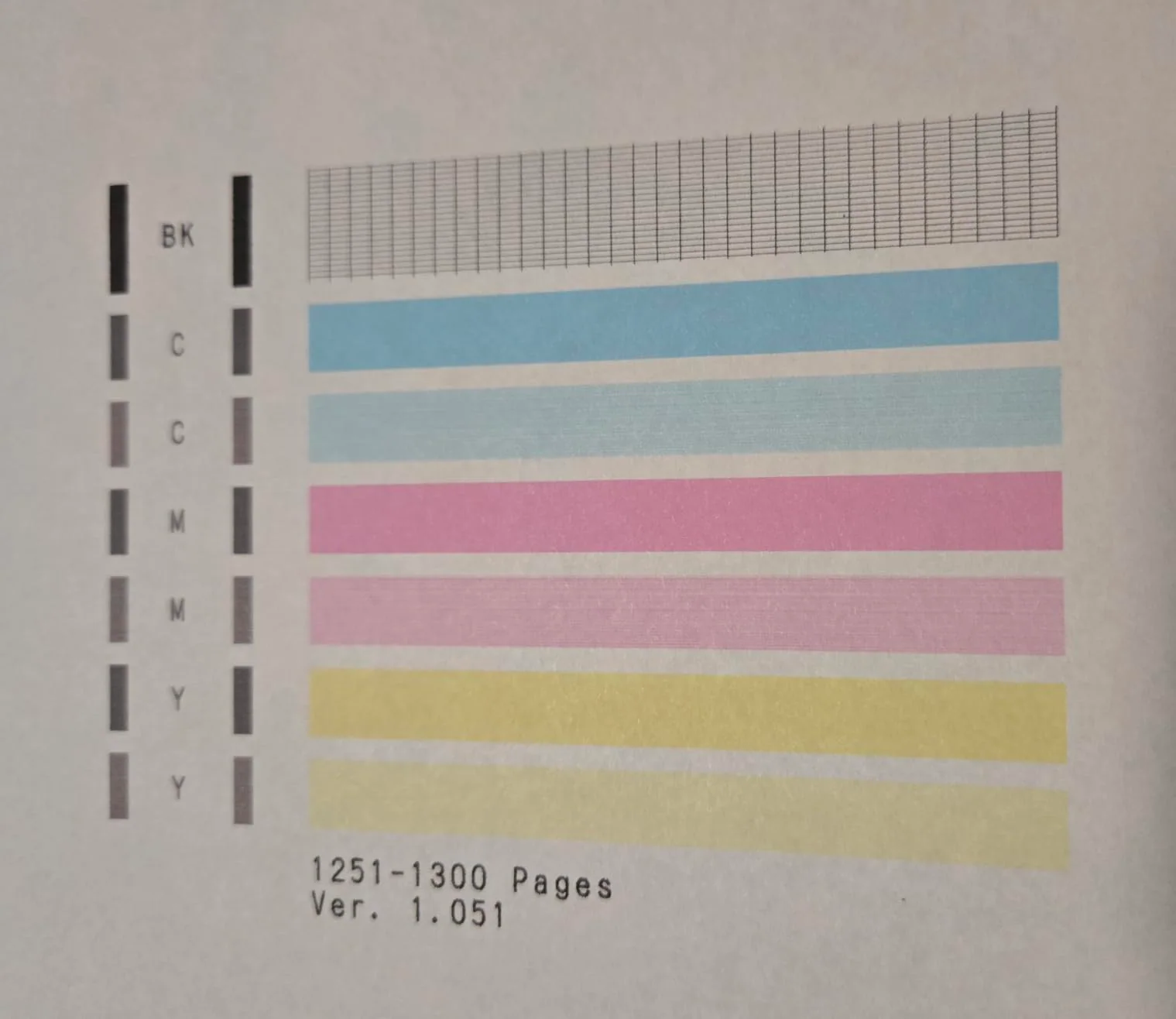
The black printed sharp. The same reviewer had some difficulty with color printing, and the review title says a maintenance cleaning may be needed.
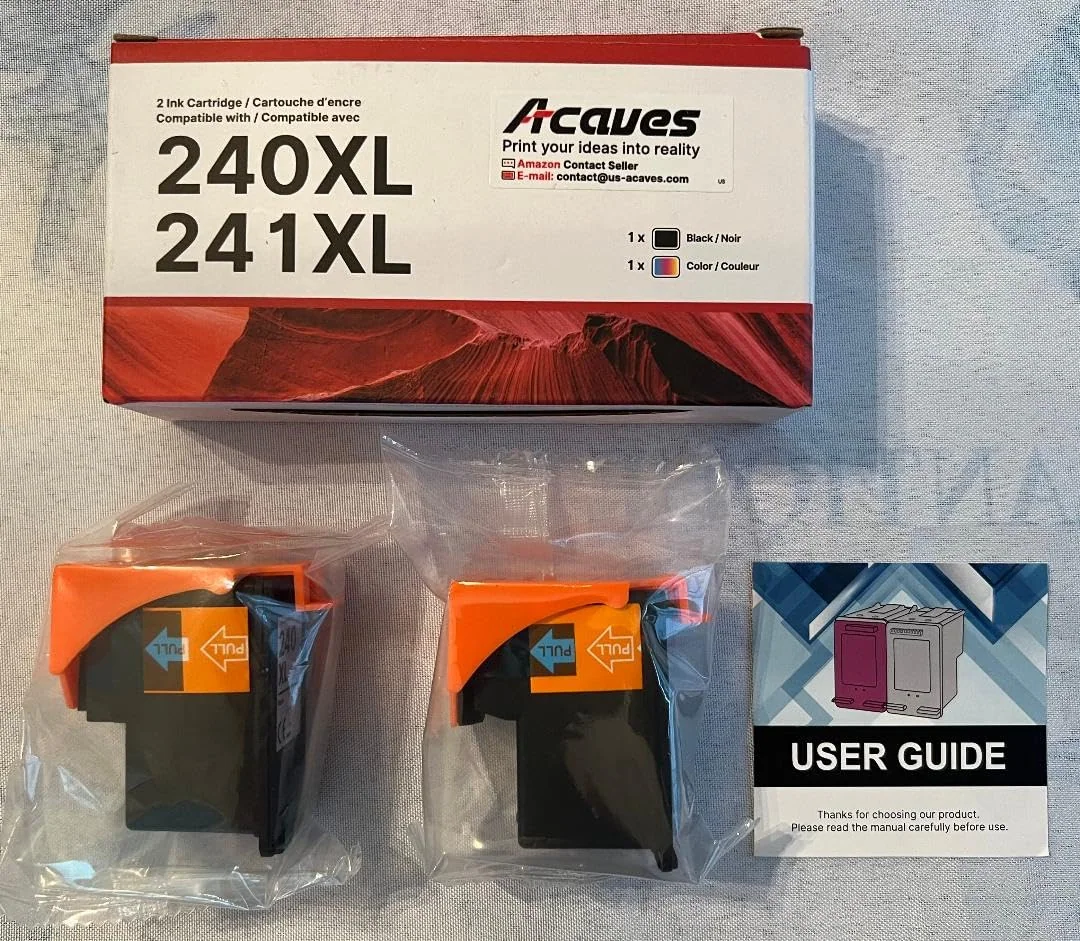
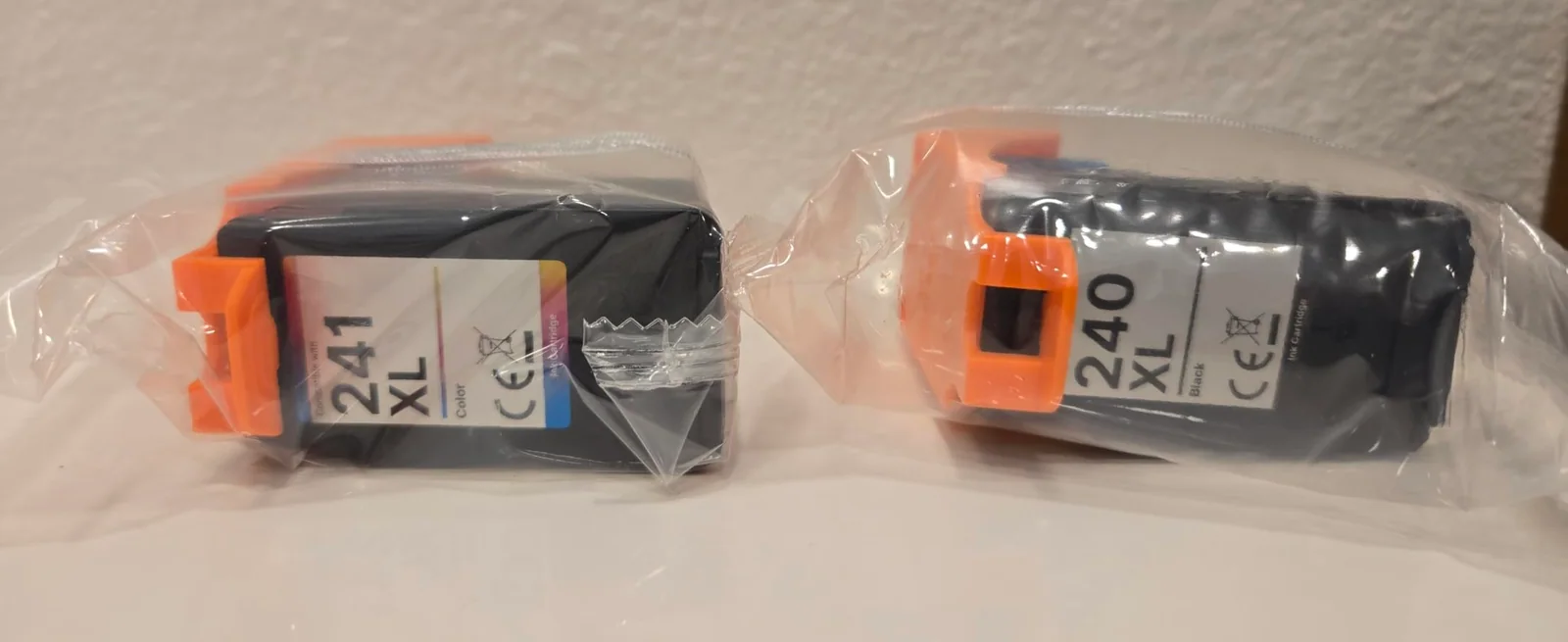
Other reviewers like the packaging. One describes both cartridges sealed in plastic, with a hard plastic cover and a pull strip over the contacts, plus a support sticker for the printer door. Another liked the prepaid envelope for recycling old cartridges.
Only 23 buyers have rated it so far. The spread is 85 percent five stars and 15 percent four, with nothing lower. A short record like that can change fast.
Pick it if your printer is on the list and you print enough to want XL cartridges. Skip it if color output matters most, since the only color complaint in the reviews comes from that four-star buyer.
High yield XL Ink Cartridges Black/Color Combo Pack · 0:24 · Video from the Acaves product page
What buyers wrote about the Acaves 240XL/241XL Canon Combo Pack
5 out of 5Works great in my Canon 470 series Pixma Printer
We purchased this Acaves ink replacement combo pack for our Canon Pixma MX-472 printer. The reason is that the same size Canon OEM 240XL & 241XL replacement pack currently sells for $77 on Amazon, and the Acaves sells for $40. We go through a lot of printed pages in our household so ink replacement can be expensive. Observations - The Acaves comes in a box with both cartridges sealed in plastic, with a protective hard plastic cover and a pull strip protecting the computer contact. It also comes with a user guide and a customer support sticker that you can put on the printer door with a toll free contact number. Nice touch. It says one can call Monday through Friday 9-5 for support (we didn't need any). - As you can see from the photos, the cartridge looks identical to the Canon OEM cartridge - Installing the cartridge was easy - Most importantly, the printer…
Customer photo via Amazon review (the United States, October 4, 2026)Customer photo via Amazon review (the United States, October 4, 2026)
4 out of 5Only Minor Initial Hiccup – Prints Just Fine – May Need To Run Maintenance Cleaning
I have a Canon Pixma MG3522 wireless ink jet printer, and it’s pretty old. I keep it around, because it does the best job printing envelopes and checks. I have been out of the color ink cartridge for quite a few months, and I was excited when I saw this relatively budget-friendly combination pack of black and color cartridges. In trying these out so far, I can say that both cartridges fit my machine just fine. I opened the little door where the ink goes, removed the old cartridges, and snapped and locked these new ones into place. The very first time I placed the color cartridge into my machine and tried to use it, I did get an error pop-up on the screen that said it was incompatible. I just took it out and put it back in, and I’ve never seen that error message since. When I put the black cartridge in, I didn’t get any errors. I used the test print feature, and I was…
Customer photo via Amazon review (the United States, October 11, 2026)Customer photo via Amazon review (the United States, October 11, 2026)Customer photo via Amazon review (the United States, October 11, 2026)
04
Acaves · Epson 502 compatible refill ink bottles
Epson 502 bottles with ratings but no reviews to read
Acaves Epson 502 Refill Bottles, 4 PackRecommended, with caveats4.4 (110 ratings)$18.99Power Up on Amazon↗
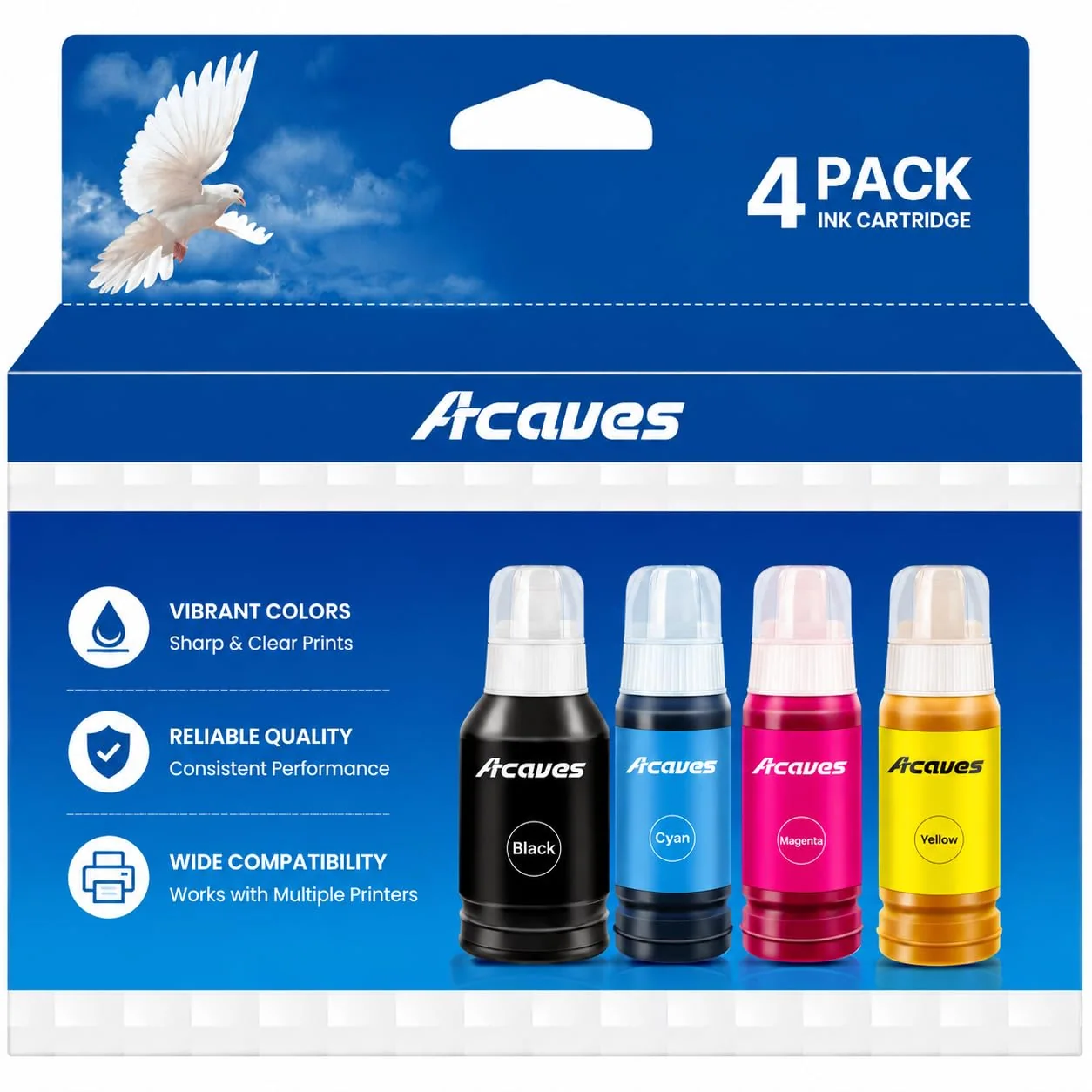
This is the odd one out. The four bottles hold black, cyan, magenta and yellow ink for Epson EcoTank-style printers, where ink goes in from a bottle instead of snapping in as a cartridge. The product page names the ET-2850, ET-3850, ET-4850, ET-15000, ET-2760, ET-4760, ET-3830 and a long list of other ET and ST models.
The title calls the ink remanufactured, and the details list a pigment ink base. Acaves rates the black at up to 10,100 pages and each color at up to 8,010 pages, at 5 percent coverage on A4 paper. That is the brand's figure, and it sits far above the cartridge figures on the other three pages.
Acaves says the bottles went through installation tests at the factory for compatibility, and it offers round-the-clock technical support. The model name on the page reads as for 52 ink refill bottles in places, an odd slip beside a product named for the 502. Match the 502 series and your model before ordering.
The evidence here is the star spread from 110 buyers, with no review text to explain it. About 74 percent are five stars, 13 percent four, 4 percent three, 4 percent two and 5 percent one. The average is 4.4, the lowest of the four sets.
About 9 percent of ratings are one or two stars, and nothing in writing says why. Treat that as a reason to buy carefully, not as proof of a defect.
Who it suits: an owner of a listed EcoTank who prints often enough to work through a set of bottles. Who should skip it: anyone who wants reviews to read first, or whose printer is missing from the list. Follow the printer's own manual for filling the tanks.
a listed Brother MFC-J owner willing to reseat cartridges
a Canon TR or TS owner who prints every week
an older Canon MG or MX owner who prints mostly black
a listed EcoTank owner who prints often
OfficeJet Pro 8600 series owners who want a full set in one box
The first split is the printer. The Brother set fits four MFC-J models, the two Canon sets fit different PIXMA families, and the Epson bottles fit tank printers. No set crosses over, so the real comparison is the quality of the buyer evidence.
On evidence, the Canon pair has the cleanest written record, though a small one. Buyers praise quick recognition and easy installs, and the lone four-star dings color printing. The six-pack has more ratings behind it and one repeated gripe: ink leaking from the stopper.
The Brother set has the largest crowd of ratings, with about 80 percent at five stars, yet its written critical reviews are the sharpest. Both are about recognition, and one comes from an owner of a listed model. Beyond the brand's own reseat steps, the reviews offer no fix.
On claimed yield, Acaves quotes 510 to 610 pages per cartridge for the Brother set and the Canon 240 pair, 600 and 830 pages in the 280 six-pack, and 10,100 and 8,010 pages for the Epson bottles. All use 5 percent coverage, so they sit side by side, but they are still the brand's numbers. All four sets carry a listed two-year warranty.
Our picks are the 240XL and 241XL pair for an owner of an older listed Canon, and the 280 six-pack for a TR or TS owner. The Brother set asks the most patience.
When another route beats compatible ink
Original-brand cartridges are the baseline. A one-star Brother reviewer went back to them after the third-party set failed, and that is the case for paying more: you buy certainty that the printer accepts it.
A Canon reviewer found the opposite, saying the branded ink gave results on par with the compatible set. Branded is better when a recognition error would cost you a deadline.
Standard-capacity cartridges are better when you print so rarely that a bigger cartridge never gets used up. The XL and XXL cartridges here are for people who print weekly, and one reviewer says they hold more ink than standard ones.
A tank printer is the long game. The Epson bottles claim up to 10,100 black pages, a figure the cartridge sets do not approach, but they only work in a printer built for bottles. Switching printers to save on ink is better when you print every week and your current machine is due for replacement anyway.
A printing service is better when you print a few pages a year. One reviewer says a compatible set saved them from depending on a printing service, which names the trade: ink on hand versus a trip out.
Owners of HP printers need a different set entirely. The HP 910XL combo is one example from the same brand.
What buyers say about recognition, leaks and cost
Acaves LC401XL 4-Pack for Brother
4.5 (978 ratings)
5 star80%
4 star9%
3 star4%
2 star1%
1 star6%
Acaves 280XXL/281XXL 6-Pack for Canon
4.5 (583 ratings)
5 star79%
4 star9%
3 star3%
2 star1%
1 star8%
Acaves 240XL/241XL Canon Combo Pack
4.8 (23 ratings)50+ bought in past month
5 star85%
4 star15%
3 star0%
2 star0%
1 star0%
Acaves Epson 502 Refill Bottles, 4 Pack
4.4 (110 ratings)
5 star74%
4 star13%
3 star4%
2 star4%
1 star5%
Three themes run through the reviews. The first is recognition. Canon buyers mostly say the printer accepted the cartridges at once.
One Canon buyer saw an incompatible error that went away after a reseat, while one Brother buyer says reseating several times did not help.
The second is installation. Easy installs come up for the Brother set, the 280 six-pack and the 240 pair. The one physical complaint is the stopper on the 280 tanks, which let ink leak in two cartridges of a single package.
The third is cost. Reviewers of the Canon sets say they bought because branded ink felt too expensive, and several say the print quality matched the original. A reviewer with a fixed income says price had become far more critical for them.
The star spreads tell a steadier story than any single review. The Brother set sits near 80 percent five stars and 6 percent one star. The 280 six-pack is near 79 and 8.
The 240 pair is 85 percent five and nothing below four, from a small group. The Epson bottles are near 74 percent five stars and 5 percent one star, with no written reviews to read.
up to 560 pages each black lc401xl ink cartridges, up to 510 pages each cyan magenta yellow lc401xl ink cartridges
Acaves product page
Ratings, star breakdowns and “bought in past month” figures were read on the product pages on November 16, 2026.
How to install a set and handle a recognition error
The cartridge sets install in the same few moves, and the recognition message is where trouble starts. Do the test print before you toss any packaging or throw away the old cartridges.
A Canon reviewer describes the routine this way: open the little door where the ink goes, remove the old cartridges, and snap the new ones into place until they lock. Another describes a hard plastic cover and a pull strip protecting the contacts on the new cartridge.
For the Brother set, Acaves gives its own troubleshooting. A Non-Brother Ink message on first install is called normal, and you press OK or Next. For a message that the ink cannot be detected, remove and reinstall the cartridge, close the door, restart the printer, and repeat up to two or three times.
For the Epson bottles, follow the printer's own manual for filling the tanks. If the message keeps coming back, call the brand's support line before buying a second box. One Brother buyer bought two boxes and met the same message both times.
Match your exact printer model against the fit list on the product page.
Open the ink door, remove the old cartridges, and peel the cover and pull strip off the new ones.
Snap each new cartridge into its slot until it locks, then close the door.
On a Brother, press OK or Next if the printer shows a Non-Brother Ink message.
If the printer cannot detect the ink, reseat the cartridge, close the door and restart the printer, up to three times.
Print a test page and check text and color before you rely on the set.
Which set we would point you to
Recommended, with caveatsAcaves LC401XL 4-Pack for Brother
Most buyers are happy, but two one-star reviews report a printer that refused the cartridges, so it needs a tolerant owner.
We recommend the 280XXL and 281XXL six-pack to Canon TR and TS owners who print every week. Reviewers say the printers recognize it right away and the print quality matches branded ink. The leak at the stopper is a nuisance, not a reason to skip it.
We recommend the 240XL and 241XL pair to owners of the older listed MG and MX printers. Every written review is positive on fit, and the one color complaint is mild. The small crowd of ratings is the caveat.
We give the Brother LC401XL set a conditional nod. If you own a listed MFC-J model and can tolerate a few reseats, it will likely work, since about 80 percent of buyers rate it five stars. We don't recommend it if you cannot afford a failed set, because two one-star reviews report a printer that never recognized it, including one on a listed MFC-J1170DW.
The Epson 502 bottles are conditional too. The yield claim is the biggest here, but nothing in writing explains the 9 percent of one- and two-star ratings. We don't recommend them to anyone who wants reviews to read first.
Whichever you choose, check the model list against your printer twice. That one step prevents most of the complaints in the reviews.
Questions buyers ask
Will the Acaves LC401XL work in a Brother MFC-J1170DW?
Acaves lists the MFC-J1170DW as a fit for the LC401XL four-pack, and most buyers rate the set five stars. One reviewer with that exact model says the printer would not recognize the cartridges after several reseats. Expect it to work, but keep the brand's reseat steps handy.
Which is better for a weekly printer, the Canon 240XL pair or the 280XXL six-pack?
The 280XXL and 281XXL six-pack is better for a Canon TR or TS owner, since it holds six cartridges and claims 830 pages per color. The 240XL and 241XL pair is for older MG and MX models and claims 610 black pages. They fit different printers, so your model number decides.
Is the Acaves Epson 502 set good for a heavy printer?
Acaves claims up to 10,100 black pages and 8,010 pages per color from the Epson 502 bottles, the highest yield of the four sets. It fits listed EcoTank models only. The average is 4.4, but no written reviews explain the lower ones, so buy with care.
What does a Non-Brother Ink message mean on the LC401XL set?
Acaves says a Non-Brother Ink message on first installation is normal and will not affect printing. You press OK or Next to continue. If the printer says it cannot detect the ink, Acaves says to remove and reinstall the cartridge, close the door and restart, up to three times.
Do the Canon 280XXL and 281XXL cartridges leak?
One four-star reviewer says ink sometimes leaks when you open the ink tanks and remove the plastic stopper, and it happened twice in one package. No other review in hand mentions leaks. Open the cartridges over something you can wipe, and keep a damp cloth close.
Does the Canon 240XL and 241XL pair need a cleaning after installing?
Not for most buyers. An MX472 owner and an MG3620 owner report immediate recognition and clean test prints. An MG3522 owner had trouble with color, and the review title says a maintenance cleaning may be needed. Run a test print after installing and use the printer's cleaning routine if color looks off.
 Office · buyer's guide