Review 049 · USB Flash Drives
SanDisk Cruzer Blade, Ultra and Ultra Fit Flash Drives Reviewed
Four SanDisk sticks for everyday file carrying, sorted by speed, size and the one situation where a tiny drive caused trouble.
 Storage · buyer's guide
At a glance
-
We recommend
SanDisk Cruzer Blade 32GB USB 2.0
- Best for documents, photos and a spare drive in a key ring pocket
- Skip it if you move multi-gigabyte files or only have USB-C ports.
4.6 (244,491 ratings)$9.95Power Up on Amazon -
Recommended, with caveats
SanDisk Cruzer Blade 8GB 10-Pack
- Best for handing out files to a class, team or event
- Skip it if you need room for video or one drive that holds everything.
4.7 (1,521 ratings)$97.57Power Up on Amazon -
We recommend
- Best for everyday transfers of a few gigabytes between computers
- Skip it if you copy huge files and expect the read figure on writes.
4.7 (134,151 ratings)$15.14Power Up on Amazon -
Recommended, with caveats
- Best for adding storage to a laptop that rides in a bag
- Skip it if you use an NVIDIA Shield, need USB-C or lose small things.
4.4 (4,038 ratings)$24.99Power Up on Amazon
Ten minutes to get a document onto a stick
A document has to be on a stick in ten minutes. A teacher wants a slideshow on the classroom computer, a print shop wants a PDF, a smart TV only reads photos from a drive, and the one stick in your drawer is full of somebody else's vacation pictures.
That is the everyday flash drive job, and you don't need a speed record for it. You need a small, cheap rectangle that fits the port, holds the files and survives a pocket and a key ring.
Four SanDisk drives cover that ground. The Cruzer Blade 32GB is the plain USB 2.0 stick, with 244,491 ratings behind it. The Cruzer Blade 10-pack is eight gigabytes apiece, bought to hand out or to lose.
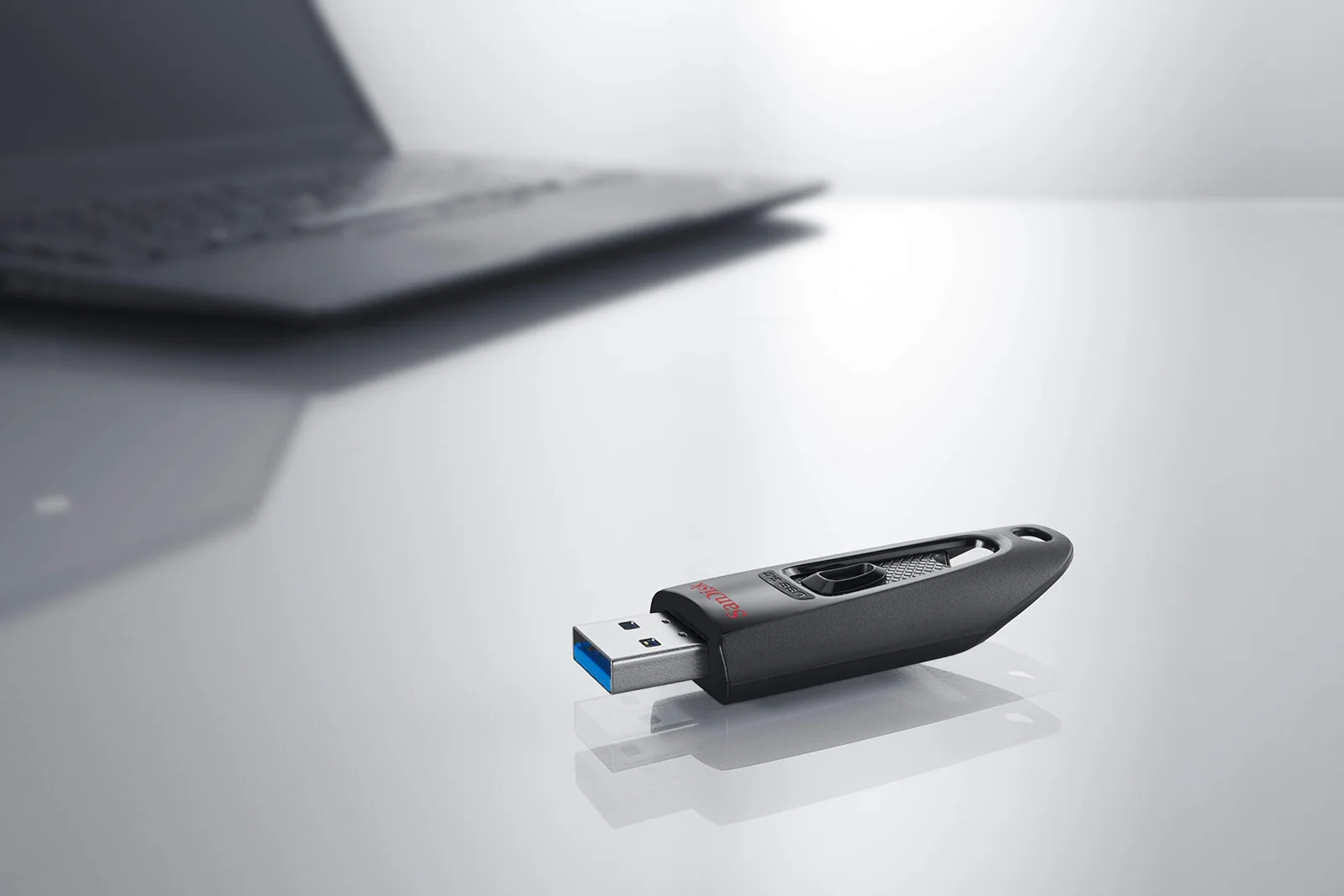
The Ultra 32GB moves to USB 3.0 and the brand's 100MB/s read figure. The Ultra Fit 128GB is the thumbnail-size stub that stays in the port, and you can leave it there.
They split along three lines. Speed runs from USB 2.0 up to USB 3.2, and size runs from a full-length stick to a plug you can barely grip. The Ultra Fit also carries one buyer warning about a streaming box that anyone with a TV stick should read before ordering.
None of these suits a 4K video archive or a phone with only a USB-C port. The metal Ultra Luxe and the 1TB Extreme PRO are covered in their own review, and so are the USB-C, Lightning and micro-USB drives for phones.
SanDisk · basic USB 2.0 flash drive (Cruzer Blade 32GB)
The plain USB 2.0 stick for small files
Datasheet · from the SanDisk page
| Capacity | 32 GB |
|---|---|
| Connection | USB 2.0 |
| Read speed | 70 megabytes_per_second |
| Works with | Most Android devices |
| Model | SDCZ50-032G-B35 |
| Weight | 4.54 g |
| Warranty (brand) | 5-year limited warranty |
Works with / fits
Ports: USB 2.0
Compatible devices (page): Desktop, Laptop
From the SanDisk product page
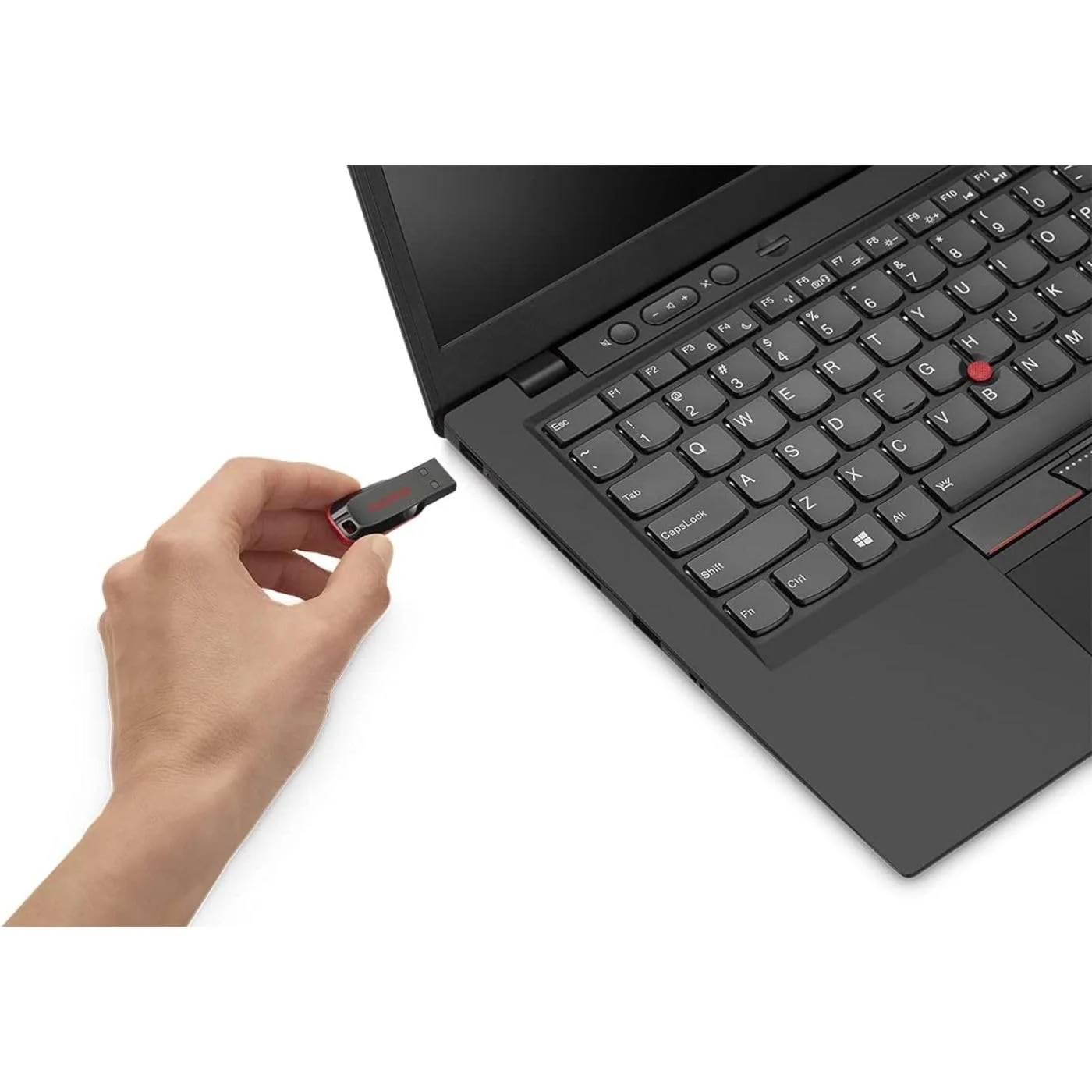
The Cruzer Blade 32GB is the drive you hand to a stranger without a second thought. SanDisk gives it contoured styling, a USB 2.0 interface and a Type-A plug. It weighs 4.54 grams, and a UK reviewer puts it at 4 cm long, with a small hole in the top for a key ring.
The speed is modest. The product page lists a read speed of 70 megabytes per second, and that is plenty for a folder of photos or a few documents. Files in the multi-gigabyte range are another matter, because USB 2.0 is the ceiling here and nothing about the drive hides it.
Capacity is the other limit. This is the 32GB version, and SanDisk's fine print says some of the stated capacity is not available for storage, since the brand counts a gigabyte as a billion bytes. Reviews come from several sizes of the Cruzer Blade, 16GB and 64GB among them, so read the praise as praise for the line.
What buyers like is how little goes wrong. One Canadian reviewer wanted something less powerful than a USB 3.0 stick and connected this one through an OTG adapter to a Fire TV Stick, where it worked.
Another runs a 64GB version as the boot drive for an UNRAID NAS and reports weeks of round-the-clock use with no issues, though the drive got warm over time. The UK reviewer adds that it works in both USB 2.0 and USB 3.0 ports.
I connected it via OTG to the Fire Stick and it works perfectly.
The password software comes with it. SecureAccess encrypts files with 128-bit AES, and the product page lists support for Windows Vista, 7, 8 and 10 and Mac OS X 10.6 and later.
On a Mac you download the software first. The same UK reviewer notes that you can ignore it if you don't want to lock anything.
Critical buyer reviews are few for this one. Three in a hundred ratings are one star, and eight in ten are five. That leaves the limits to the spec sheet: USB 2.0 speed, 32GB of room and a Type-A plug on a world that is moving to USB-C.
Skip it if you copy large video files or whole photo libraries more than once in a while, or if your laptop has only USB-C ports. For everyone else the product page lists a five-year limited warranty and a price of $9.95.
What buyers wrote about the SanDisk Cruzer Blade 32GB USB 2.0
5 out of 5 Excelent and reliable USB 2.0 - works with FireTV Stick
I needed a Flash Drive that was less powerful and fancy than the 3.0 and superior versions. This one is perfect. It's very reliable and fast. I connected it via OTG to the Fire Stick and it works perfectly. I recommend it if you are following a guide to access files via USB and your USB 3.0 is not being recognized or if it draws too much power.
SanDisk · bulk 10-pack 8GB flash drives
Eight gigabytes, ten times over
Datasheet · from the SanDisk page
| Capacity | 8 GB |
|---|---|
| Connection | USB 2.0 |
| Read speed | 1 megabytes_per_second |
| Works with | Devices with USB ports |
| Size | 0.29"D x 0.69"W x 1.63"H |
| Model | Cruzer Blade |
| Count | 10 Count |
| Weight | 3 g |
Works with / fits
Ports: USB 2.0
Compatible devices (page): Devices with USB ports
From the SanDisk product page
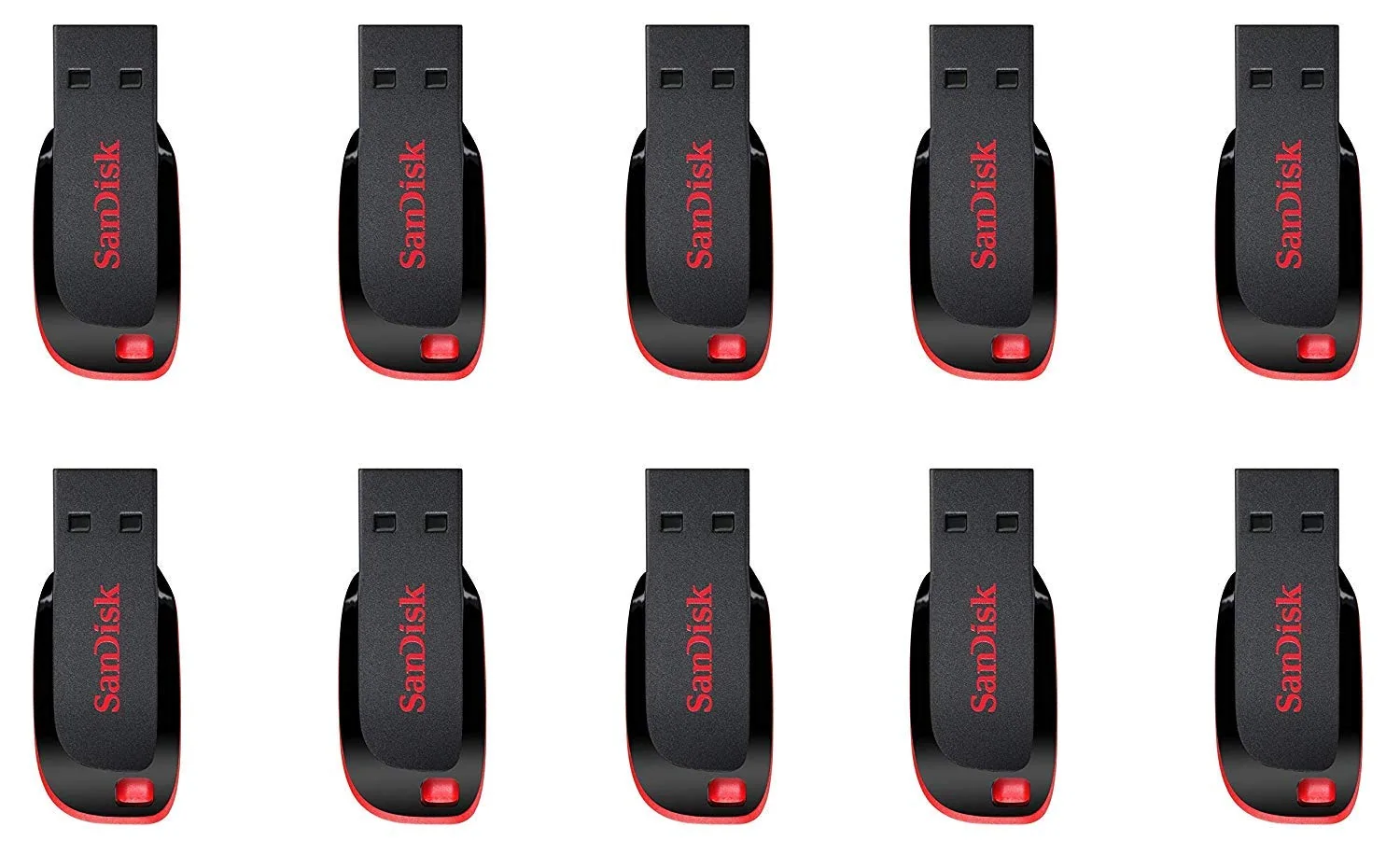
The 10-pack is the Cruzer Blade in its smallest size, eight gigabytes per drive and 80GB across the whole bag. SanDisk lists each drive at 0.29 by 0.69 by 1.63 inches and 3 grams, with a USB 2.0 interface and a Type-A plug. The brand says the small, ergonomic body goes in a pocket or on a keychain.
The bag has one job: spreading files around. Think of a classroom set, a conference table, a stack of client copies or a box of drives for a family that never gets the same one back. SanDisk's own bullets name music, videos, documents and presentations as the content, and a drive this small suits the lighter end of that list.
The buyer reviews are short and friendly. One Canadian reviewer calls it great for sharing files, videos and photos with friends.
A US buyer who titled the review about always losing USB sticks says the price is great and the drives work. SanDisk itself calls the line built to last, and the high share of five-star ratings suggests most buyers had no cause to argue.
Then come the complaints. A three-star reviewer says the drives are too small to handle, although all of them worked.
A two-star reviewer from South Africa says the product was not displayed properly and that the deal could have been better. Neither review points to a dead drive, but both come from people who expected something else.
The review record is also thin. Only a handful of written reviews sit behind a rating of 4.7 from 1,521 buyers, so a pack is a safer bet when the drives cost you little to lose.
Who should skip it? Anyone with video, photo libraries or a backup in mind. Eight gigabytes fills up fast, and ten drives spread that limit around instead of solving it.
If you want one drive that holds everything, the 32GB Cruzer Blade or the Ultra is the better buy.
If you do buy it, treat the ten drives as disposable giveaways and label them. The ten-drive set costs $97.57.
What buyers wrote about the SanDisk Cruzer Blade 8GB 10-Pack
3 out of 5 not bad
they are a bit too small to handle.. no issues they all worked.
SanDisk · USB 3.0 everyday flash drive (Ultra 32GB)
USB 3.0 speed with a catch on writes
Datasheet · from the SanDisk page
| Capacity | 32 GB |
|---|---|
| Connection | USB 3.0 |
| Read speed | 100 megabytes_per_second |
| Works with | Computers, laptops, tablets with USB 3.0 or USB 2.0 ports |
| Model | 32GB Ultra Fit USB 3.0 Flash Drive 100MB/s |
| Weight | 13.61 g |
| Warranty (brand) | 1 year |
Works with / fits
Ports: USB 3.0
Compatible devices (page): Computers, laptops, tablets with USB 3.0 or USB 2.0 ports
From the SanDisk product page
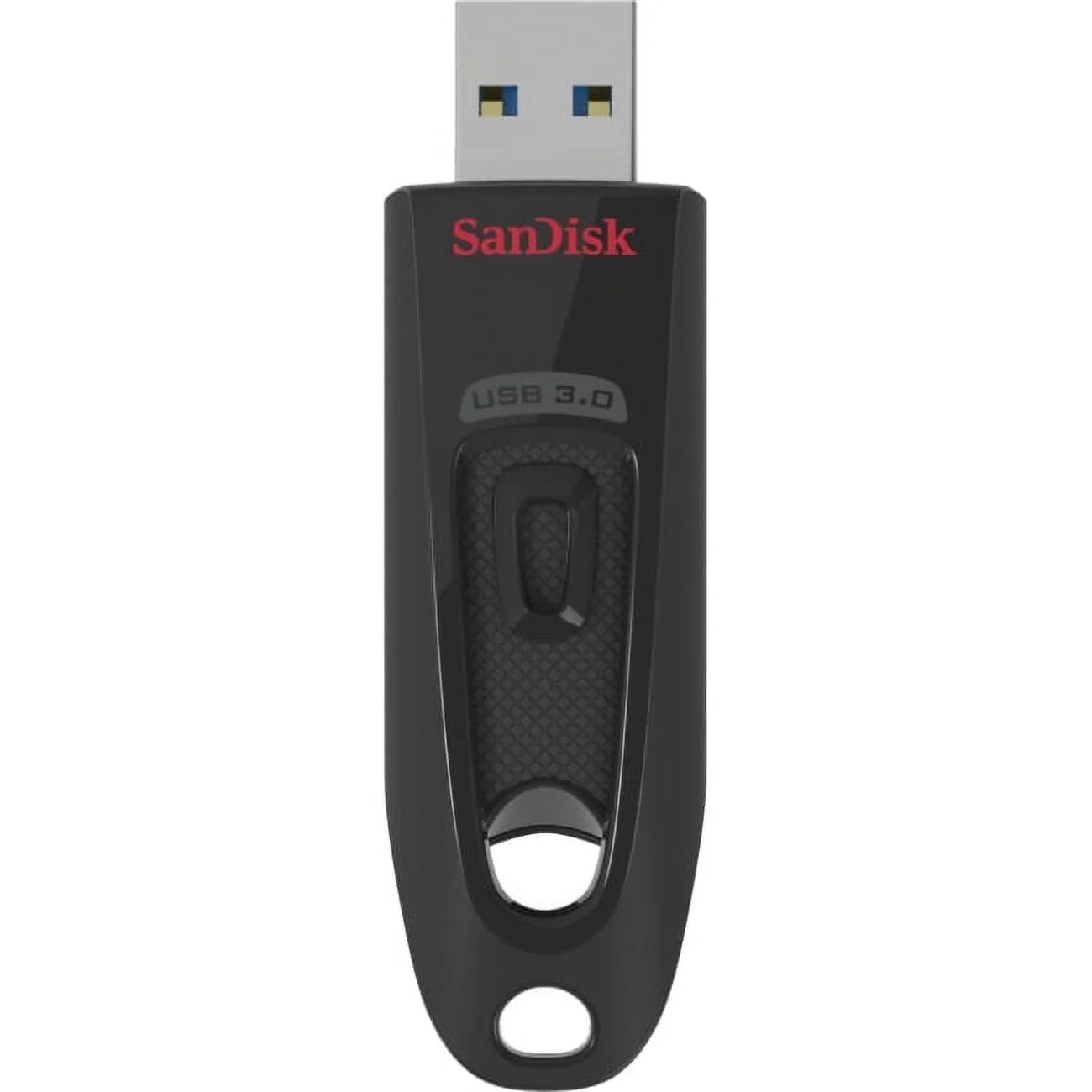
The Ultra 32GB is the Cruzer's faster sibling. SanDisk lists a USB 3.0 interface that is also USB 2.0 compatible, a transfer speed of up to 100MB/s, SecureAccess password software and a Type-A plug. It weighs 13.61 grams, heavier than the Cruzer Blade and the Ultra Fit, and the compatible devices line names computers, laptops and tablets with USB 3.0 or USB 2.0 ports.
Buyers talk about speed first. One Canadian reviewer moved 1GB files in about 30 seconds on USB 3.0 and says a high-quality movie can run past 10GB. Another, working with a roughly 6GB file, saw the copy start above 300MB/s and fall to around 50MB/s, while copying back to an SSD ran near the advertised 100MB/s.
That gap is the catch. A reviewer who gave four stars writes that small transfers under 1GB are fast, but the chip slows down after about the first gigabyte, so a 16GB transfer takes a while.
A three-star reviewer comparing an older and a newer Ultra reports sequential writes near 40MB/s on the newer one against about 60 on the older, and says both slow down after the first seconds. Another reviewer reminds readers that the advertised speed is for reading, and that writes are normally slower.
Formatting trips people up too. One reviewer says the drive arrives in FAT32, which accepts files only up to 4GB, and moved to NTFS for big files.
The chip seems to significantly slow down a transfer after about the first GB.
Another says it arrives in exFAT and reformatted to NTFS for large files in Windows. Buyers differ on what they got, so check the format before copying a long video.
A few smaller notes. A reviewer who bought a 64GB and a 128GB in late 2020 says the newer drives have no activity light, which takes away a sign that a transfer is running.
Others say they own several Ultras that have never failed them. Reviewers here also mention the 64GB, 128GB and 256GB versions, so the praise covers the whole line.
The bullets state a five-year limited warranty, while a spec line says one year, so confirm the term before it matters. Skip this drive if you regularly copy tens of gigabytes. It is a good all-round stick for a few dollars more than the Cruzer, and the price is $15.14 now.
What buyers wrote about the SanDisk Ultra 32GB USB 3.0
4 out of 5 Meh, solid product but slow
SanDisk is pretty reliable. Bought 4 and each one works just fine. They are 64 GB flashdrives, and for small transfers <1gb, it is pretty fast. The chip seems to significantly slow down a transfer after about the first GB. This means that a 16GB transfer will take a hot second. If you want this for large movie file or picture archive moving, it'll be slower than you want. If you want to use it as a Flashdrive for school documents are work slideshows, you should be A-Okay
SanDisk · low-profile plug-and-stay drive (Ultra Fit)
The stub that stays in the port
Datasheet · from the SanDisk page
| Capacity | 128 GB |
|---|---|
| Connection | USB 3.2 Gen 1 |
| Read speed | 400 megabytes_per_second |
| Works with | Laptop |
| Size | 1.17"D x 0.56"W x 0.2"H |
| Model | SanDisk Ultra Fit USB 3.2 Gen 1 Flash Drive |
| Weight | 1.28 g |
| Warranty (brand) | 5- year limited manufacturer warranty |
Works with / fits
Ports: USB Type-A
Compatible devices (page): Laptop
From the SanDisk product page
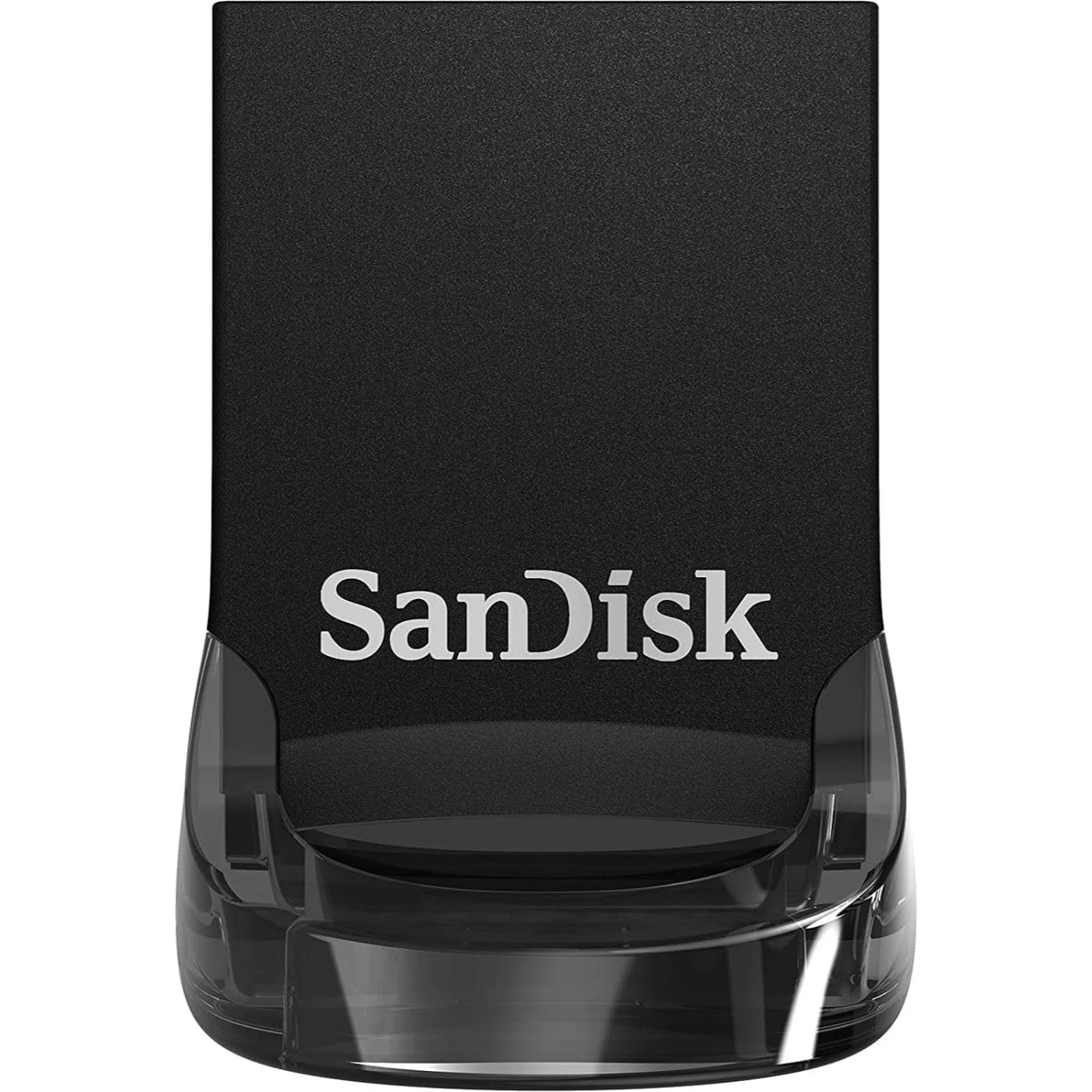
The Ultra Fit is the drive for people who want storage that stays put. SanDisk describes a compact plug-and-stay design that adds storage to a laptop, game console, in-car audio and more. It measures 1.17 by 0.56 by 0.2 inches, weighs 1.28 grams and uses a USB 3.2 Gen 1 Type-A connector.
The brand quotes up to 400MB/s on reads, based on its internal testing, with a USB 3.0 port required. The spec line lists writes at less than 150MB/s.
SanDisk also says a 1.2GB movie transfers in under 30 seconds on a USB 3.2 Gen 1 or USB 3.0 host. Password software is a separate download for Windows 10 and later and macOS 10.9 and later, and SanDisk lists a five-year limited warranty.
Buyers like the shape. One Canadian reviewer says there is barely a bump, so it doesn't feel as if it will get knocked off when the laptop moves, and leaves it attached in the laptop bag.
A US buyer leaves it plugged into a laptop for carried files and uses it for BIOS updates and large game folders, saying a 20GB folder moved in a couple of minutes. A third uses it for dash cam footage.
A security-camera owner says it fit snugly in a Blink Sync2 module and was recognized right away.
Maybe it’s fine as a regular flash drive on a PC/Mac but don’t risk it in an Nvidia Shield.
Note that those reviewers bought larger sizes in the same family, 512GB among them, so the speed praise comes from the line and not from this 128GB drive.
Now the warning. One Canadian reviewer says it may have put an NVIDIA Shield Pro into an unrecoverable boot loop, that a second Shield reported the drive as too slow to use as storage, and that other reviews describe similar trouble. They can't prove it, and nothing in the product page ties the drive to the Shield, but the report is detailed enough to matter if that is your device.
Then the size itself. One reviewer says there is no loop or key ring and fears losing it on a table.
Another suggests letting it cool before pulling it after long sessions. A buyer from Australia says to note it is USB-A, not USB-C, and that few of their devices still have USB-A ports.
Roughly one in eleven buyers gave it one star, the highest share of the four.
Skip it if you use a Shield, need USB-C or misplace small things. For a laptop that stays in the bag or a dash cam, it makes sense. It costs $24.99 now.
What buyers wrote about the SanDisk Ultra Fit 128GB USB-A
1 out of 5 DO NOT USE WITH NVIDIA SHIELD PRO!!!
DO NOT USE WITH NVIDIA SHIELD PRO!!! I can’t prove it but I think this flash drive put my Nvidia Shield Pro into an unrecoverable boot loop. Even booting into the boot recovery menu and factory resetting continues the boot loop. When I put the drive into another Shield Pro it reports that the drive is too slow to use as storage. Never said that before when I first plugged it in and never had an issue with the 64gb and 128GB Lexar S47 flash drives so going to order another one of those. Maybe it’s fine as a regular flash drive on a PC/Mac but don’t risk it in an Nvidia Shield. See the other reviews who say similar things about these dying when used on a Shield.
5 out of 5 Great form factor and super fast (USB3.2)
I was originally looking for a microsd card to put in my laptop to increase storage, but when I saw I could get 512gb in a 'stubby' USB3.2 stick I had to try it out. The way it's shaped there is barely a bump so it doesn't feel like it will get knocked off when I move my laptop around. And I could even leave it attached when I pack up my laptop bag. If I could make one gripe, the flash drive is so compact that there is really no way to carry (no loop or key ring to attach to something). So I would say that I am fearful of losing it, if I left it out on a table or dropped it (being so compact - would I even hear it?). The larger/longer sticks have that going for it. But I love how compact it is and will probably just leave it attached to the laptop indefinitely. Highly recommend!
How the four drives differ
| Spec | SanDisk Cruzer Blade 32GB USB 2.0 | SanDisk Cruzer Blade 8GB 10-Pack | SanDisk Ultra 32GB USB 3.0 | SanDisk Ultra Fit 128GB USB-A | Also reviewed · SanDiskSanDisk 128GB Ultra Luxe USB-A |
|---|---|---|---|---|---|
| Price | $9.95 | $97.57 | $15.14 | $24.99 | $28.36 |
| Rating | 4.6 of 5 | 4.7 of 5 | 4.7 of 5 | 4.4 of 5 | 4.5 of 5 |
| Ratings | 244,491 | 1,521 | 134,151 | 4,038 | 887 |
| Capacity | 32 GB | 8 GB | 32 GB | 128 GB | 128 GB |
| Connection | USB 2.0 | USB 2.0 | USB 3.0 | USB 3.2 Gen 1 | USB 3.2 Gen 1 |
| Read speed | 70 megabytes_per_second | 1 megabytes_per_second | 100 megabytes_per_second | 400 megabytes_per_second | 400 megabytes_per_second |
| Weight | 4.54 g | 3 g | 13.61 g | 1.28 g | 9.07 g |
| Best for | documents, photos and a spare drive in a key ring pocket | handing out files to a class, team or event | everyday transfers of a few gigabytes between computers | adding storage to a laptop that rides in a bag | a keychain drive that carries documents, photos and music between PCs |
The first split is speed. The Cruzer Blade 32GB and the 10-pack are USB 2.0, and the Cruzer is rated at a read speed of 70 megabytes per second. The Ultra 32GB moves to USB 3.0 and 100MB/s, and the Ultra Fit goes to USB 3.2 Gen 1 and up to 400MB/s on reads.
Write speed is where the Ultra family lets people down. Buyers of the Ultra report writes far below the advertised read figure and a slowdown after the first gigabyte. The Ultra Fit page lists writes at less than 150MB/s, which fits the pattern.
The second split is shape. The Cruzer Blade has a key ring hole and is 4 cm long, and the 10-pack drives are 1.63 inches long.
The Ultra weighs 13.61 grams, and the Ultra Fit is a 1.28 gram stub with no loop. The bigger drives are easier to grip and harder to lose in a laptop bag, and the small ones are easier to leave plugged in.
The third split is capacity and cost per job. The 10-pack gives 80GB across ten drives of 8GB each. The Cruzer Blade gives 32GB, the Ultra gives 32GB, and the Ultra Fit gives 128GB.
Finally, trust. The Cruzer Blade and Ultra have large ratings counts and a one-star share in the low single digits. The Ultra Fit has a higher one-star share and one specific device warning, so it carries the most conditions of the four.
When another kind of storage is better
A flash drive is the right tool for carrying a few files from one machine to another. It is the wrong tool in some cases, and plain honesty says so.
An external SSD is better when you move tens of gigabytes regularly. One Ultra Fit reviewer says outright that a flash drive won't match an external SSD, and the Ultra family's write slowdown after the first gigabyte backs that up. An SSD costs more and takes more room in a bag.
A memory card is better when the storage is meant to stay in the machine. One Ultra Fit buyer started out hunting for a microSD card for a laptop before choosing a stub drive, and a card in a built-in slot sits flush where a drive still shows. Card slots are not on every laptop, so check yours first.
A phone-ready drive is better when the files live on a phone. These four all use a Type-A plug, so a phone with only USB-C or Lightning needs a different drive. The Ultra USB-C, the Ultra Dual Drive Go with USB-C and USB-A, and the iXpand Go for iPhones are the neighbors worth a look.
A faster, tougher drive is better when speed is the point. The metal Ultra Luxe and the 1TB Extreme PRO cover that ground.
A cloud link or an email attachment is better when a single file goes to one person who is online right now. A stick wins when the receiving computer has no network or you want the document to leave with you.
What buyers keep saying
SanDisk Cruzer Blade 32GB USB 2.0
4.6 (244,491 ratings)SanDisk Cruzer Blade 8GB 10-Pack
4.7 (1,521 ratings)SanDisk Ultra 32GB USB 3.0
4.7 (134,151 ratings)SanDisk Ultra Fit 128GB USB-A
4.4 (4,038 ratings)Reliability is the first theme. Reviewers of the Cruzer Blade and the Ultra say these drives never failed them, and one has several Ultras that have lasted years. The Ultra Fit reviews hold the sharpest warnings.
Speed is the second. Buyers of the Ultra and Ultra Fit praise fast copies of 1GB files and 20GB folders, and others warn that the writes slow once the first gigabyte is through. One reviewer put it plainly: the advertised speed is for reads.
Capacity and format come third. A reviewer says a 128GB Ultra shows only 116GB, which he attributes to how drives are counted, and SanDisk's fine print agrees that some capacity is not available. Two reviewers disagree on whether the Ultra arrives in FAT32 or exFAT, so check before you trust a big file to it.
Size is the fourth. Small is the selling point and the complaint at once: the 10-pack reviewer says the drives are a bit too small to handle, and the Ultra Fit reviewer fears losing a drive with no loop.
The ratings tell the same story. The Cruzer Blade sits at about 80 percent five stars and the 10-pack and Ultra are close. The Ultra Fit is the outlier, with roughly one buyer in eleven giving it a single star, and the Shield Pro report is the most serious complaint in the reviews.
Compact plug-and-stay design to instantly add storage to your laptop, game console, in-car audio, and more
Ratings, star breakdowns and “bought in past month” figures were read on the product pages on November 16, 2026.
How to set up a SanDisk drive for big files and a password
Most of these drives work out of the box, and a short checklist covers the setup problems that buyers describe. The password software is optional. SanDisk lists SecureAccess for the Cruzer Blade on Windows Vista through 10 and Mac OS X 10.6 and later, with a download needed on a Mac.
For the Ultra Fit it lists a download for Windows 10 and later and macOS 10.9 and later.
One Ultra reviewer found a self-executing installer for the software on the drive, with a PDF of instructions, and says both are easy to remove if you don't want them. The Cruzer reviewer in the UK says the same, that you don't need the security software unless you want it.
The format is the next thing to check. Reviewers of the Ultra describe a drive that arrives as FAT32 or exFAT, and one notes that FAT32 stops at 4GB per file. If a big video won't copy, check the format.
Also expect less room than the label. SanDisk counts a gigabyte as a billion bytes and says actual user storage is less, and one buyer saw 116GB on a 128GB Ultra.
- Plug the drive into a USB port and open it to see what came on it.
- Decide if you want password protection. If so, run the SecureAccess installer on the drive.
- On a Mac, download the Mac version of the software from SanDisk first.
- If a file over 4GB won't copy, check the drive's file system. Reviewers reformatted to NTFS in Windows.
- Compare the free space with the label and expect a little less than the stated capacity.
Which SanDisk drive we recommend
We recommendSanDisk Cruzer Blade 32GB USB 2.0
A slow but steady drive with the biggest buyer record of the four, and the one to grab for ordinary files.
Power Up on AmazonRecommended, with caveatsSanDisk Cruzer Blade 8GB 10-Pack
Sensible for giveaways and drives you expect to lose, but the small size and thin review record keep it conditional.
Power Up on AmazonWe recommendSanDisk Ultra 32GB USB 3.0
The sensible step up from USB 2.0 for a few dollars more, as long as you treat 100MB/s as a read figure.
Power Up on AmazonRecommended, with caveatsSanDisk Ultra Fit 128GB USB-A
Fast and tiny, but buyers report a streaming box failure, a higher one-star share and no way to attach it to anything.
Power Up on AmazonWe recommend the Cruzer Blade 32GB to anyone who just needs to carry files. It has the longest record, a key ring hole and a five-year limited warranty on the page. We don't recommend it if you move multi-gigabyte files, because USB 2.0 will make that tedious.
We recommend the Ultra 32GB to people who want USB 3.0 and the speed figure that comes with it. Buyers praise it for reliability and for fast short transfers. We'd pick it for the daily drive, but we wouldn't buy it for backups of video libraries, since reviewers report writes that sag after the first gigabyte.
The 10-pack earns a conditional. We recommend it when the goal is distribution: a classroom, an event or a team. We don't recommend it as your own storage, since 8GB per drive is small and the written reviews are few and include two critical ones.
The Ultra Fit earns a conditional too. We recommend it for a laptop that stays in the bag, or for a dash cam or security module where buyers say it fit. We don't recommend it for an NVIDIA Shield, not with a detailed warning on the page, and not for buyers who need USB-C or who lose small things.
For most households our pick is the Ultra 32GB. For a drawer of spare drives, the Cruzer Blade is the quieter choice.
Questions buyers ask
Which is better for everyday files, the Cruzer Blade or the Ultra?
The Ultra 32GB is better if you move more than a gigabyte at a time, since it is USB 3.0 with a stated 100MB/s, while the Cruzer Blade 32GB is USB 2.0 with a listed 70MB/s read. For documents and photos the Cruzer Blade does the job and is the simpler pick.
Is the SanDisk Ultra Fit good for leaving in a laptop?
Yes, that is its purpose. SanDisk calls it a compact plug-and-stay design, and reviewers say there is barely a bump. The catches are USB-A only, no key ring loop, and one reviewer's report of a failure in an NVIDIA Shield Pro. Buyers should skip it for that device.
Can I use the SanDisk Ultra 32GB in a USB 2.0 port?
Yes. SanDisk lists the Ultra 32GB as USB 3.0-enabled and USB 2.0 compatible, and its compatible devices line names computers, laptops and tablets with USB 3.0 or USB 2.0 ports. The 100MB/s figure is the brand's, and reviewers say it applies to reads.
Is the 10-pack of 8GB Cruzer Blade drives worth it?
It is worth it for handing out files at a class, event or office, since you get 80GB across ten USB 2.0 drives. It is not worth it as your own storage. Eight gigabytes is small, and a three-star reviewer found the drives too small to handle.
Why does my 128GB flash drive show less space than the label?
SanDisk's fine print says a gigabyte is counted as a billion bytes and that some capacity is not available for storage. One buyer saw about 116GB of room on a 128GB Ultra. Expect a little less than the stated figure on every drive here.
How do I password-protect a SanDisk flash drive?
Use the SecureAccess software that SanDisk lists for the Cruzer Blade and the Ultra, which uses 128-bit AES encryption. The Cruzer Blade page lists Windows Vista through 10 and Mac OS X 10.6 and later, with a Mac download. The Ultra Fit page lists a download for Windows 10 and later and macOS 10.9 and later.
Same circuit
More storage and nearby reviews
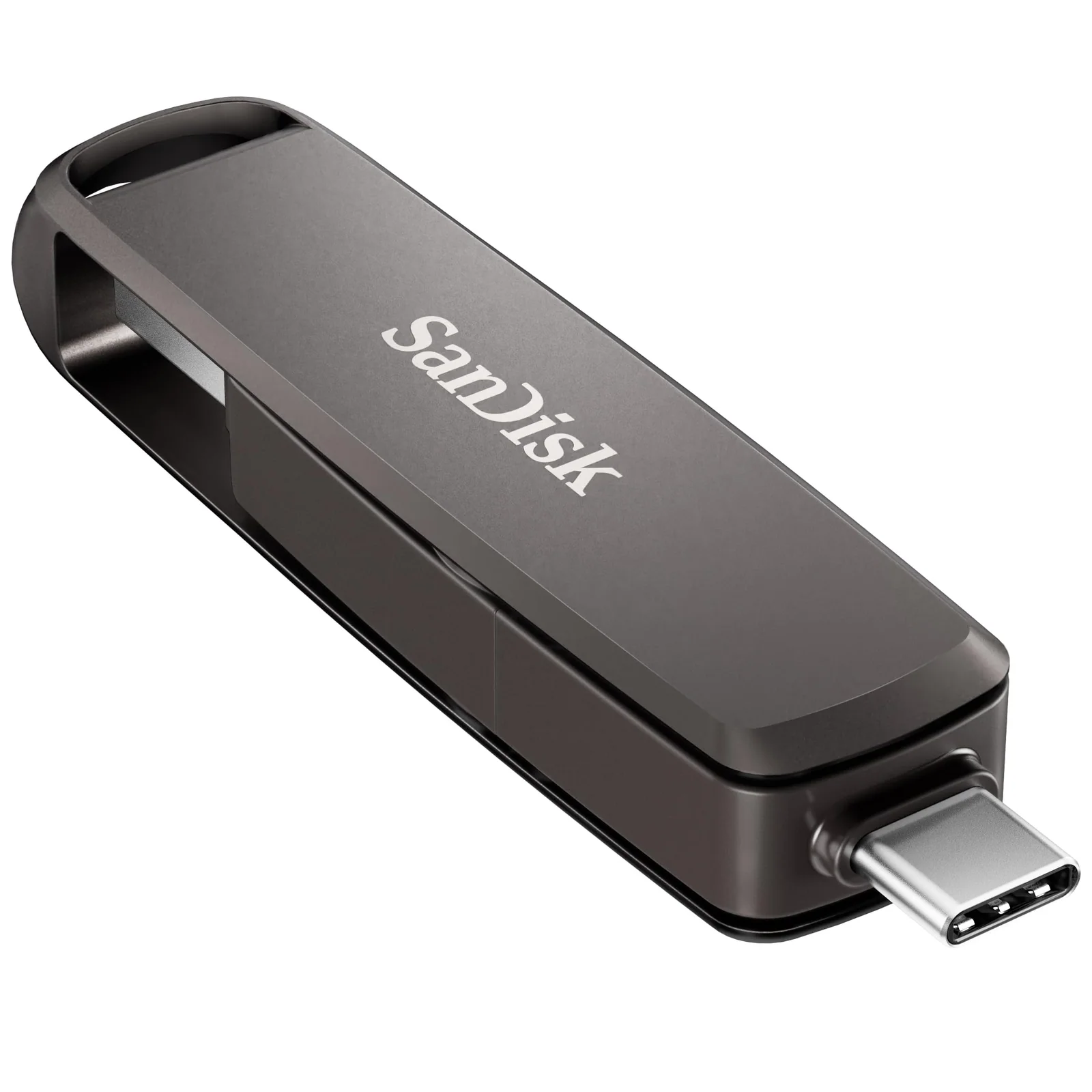
SanDisk Ultra Luxe vs Extreme PRO 1TB: Metal Flash Drives
A keychain-sized 128GB drive and a 1TB dual-connector drive share a metal body, but they answer very different jobs, and heat shows up in the reviews.
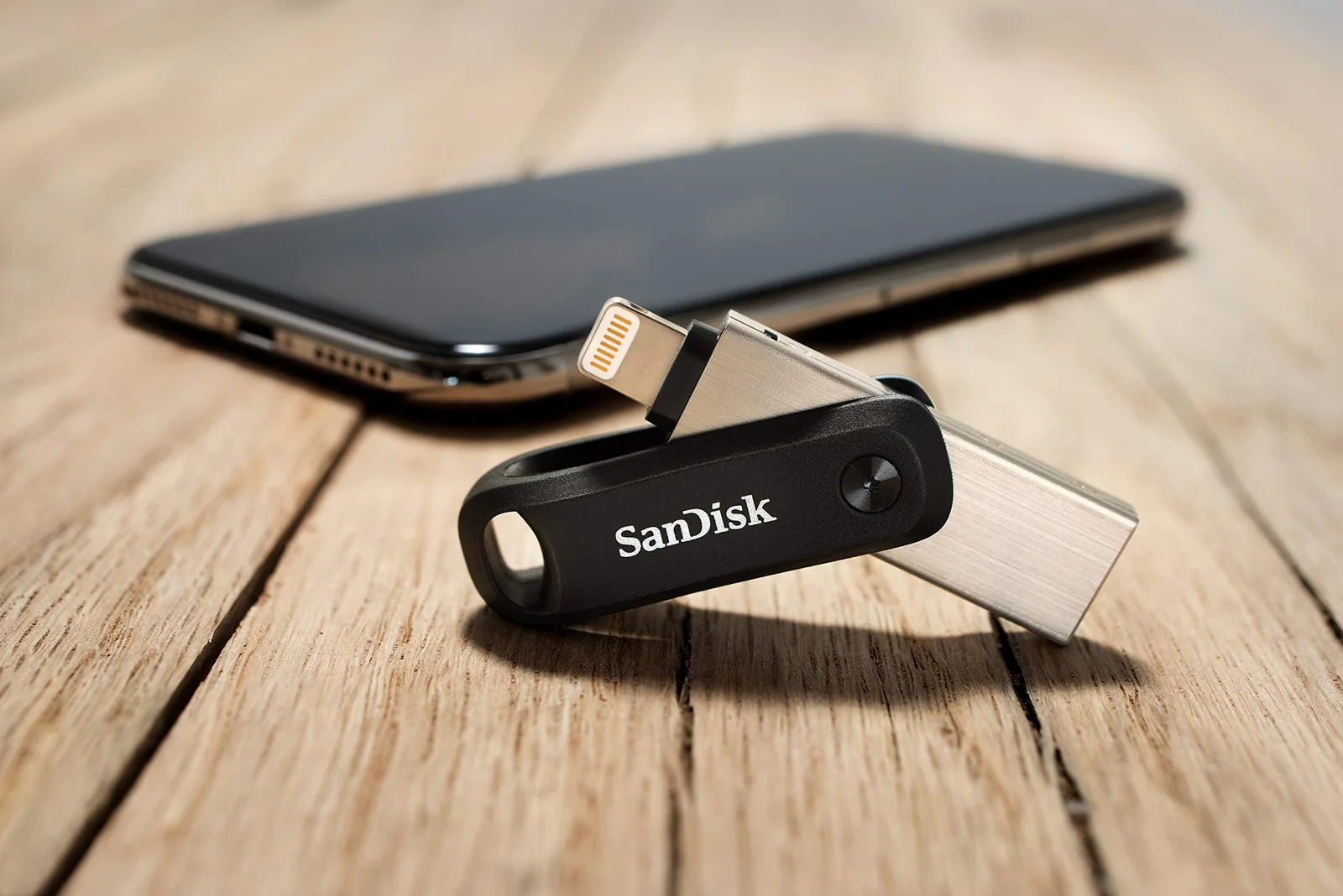
SanDisk Phone Flash Drives: USB-C, Lightning and micro-USB Reviewed
A phone drive only helps if the plug matches your phone, so we sorted four SanDisk models by port and by what buyers say goes wrong.
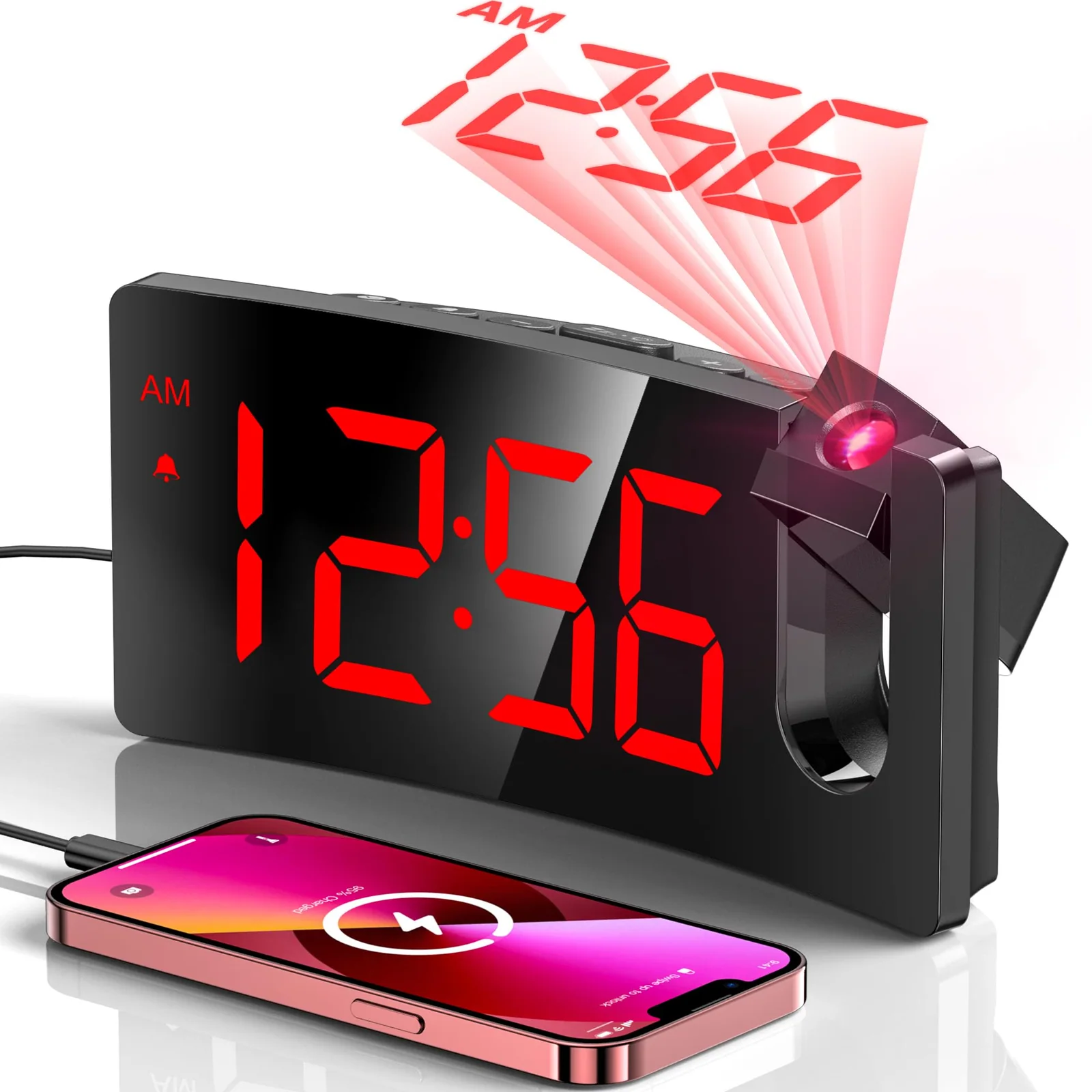
Projection vs Bedside Alarm Clock: Two GOLOZA Clocks Compared
One clock puts the time on your ceiling, the other makes the digits huge, and the right pick depends on your eyes and your room.